Templates
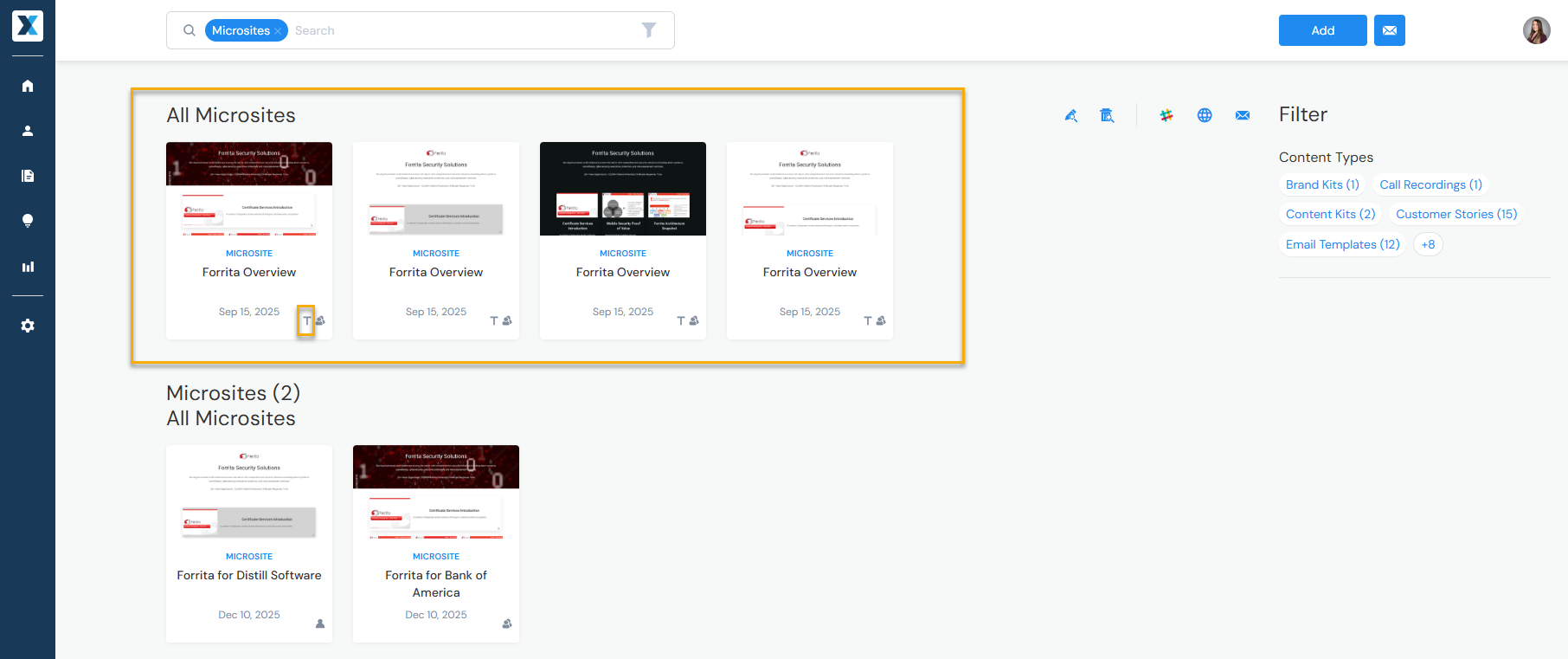
All content in Enablix can be designated as a template—whether it's a Microsite, an Engagement Hub, or a presentation. Templates are displayed first when searching for that Content Type:
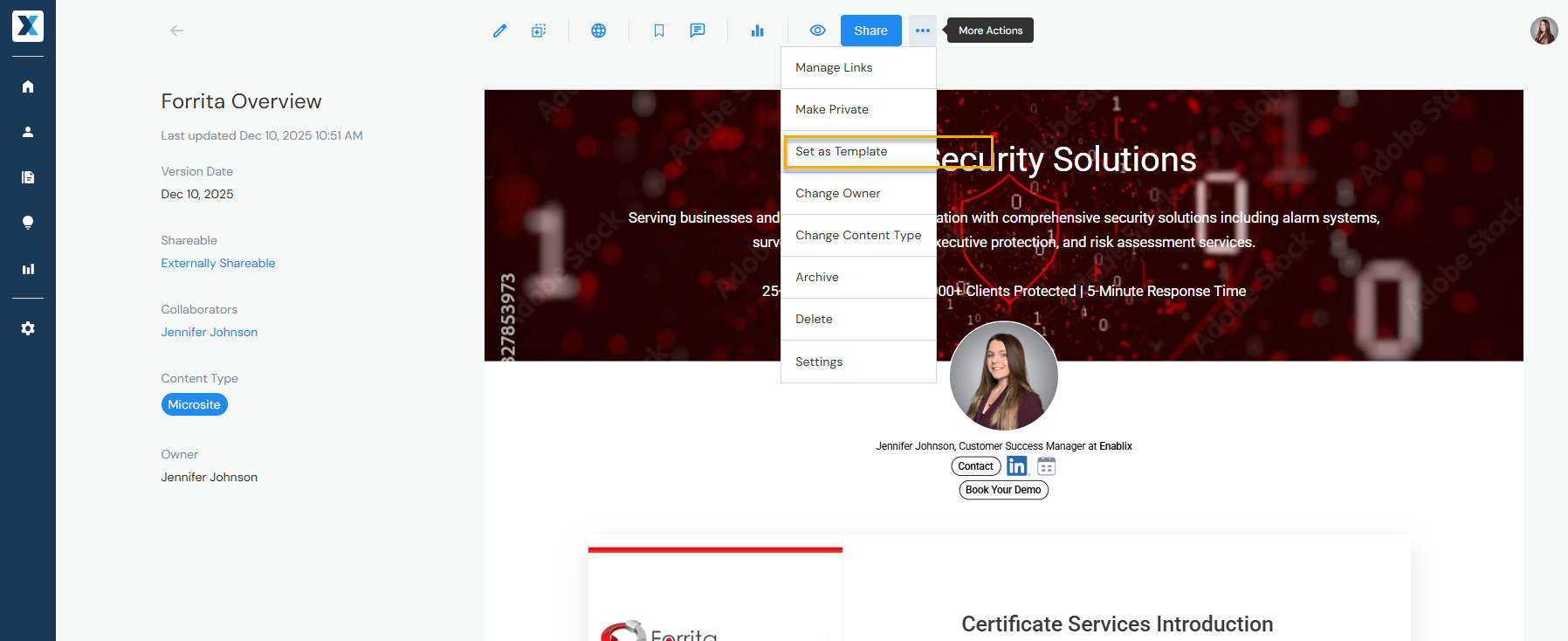
Admins can designate content as a template by overing over the three dots to the right of share and clicking Set as Template:
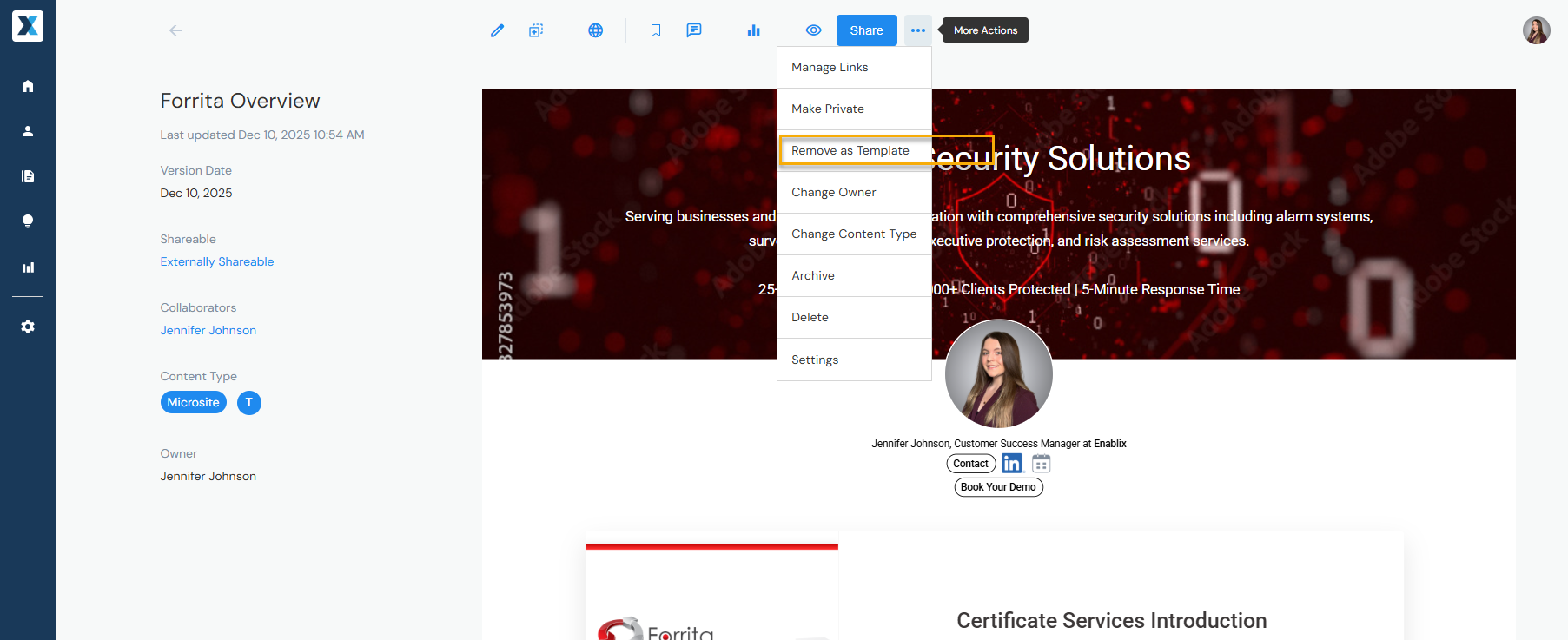
To unset a template, doing the same action, click Remove as Template: