Salesloft
Unlike other extensions, it can't be installed individually. A Salesloft Admin must install it for your organization, and once it's live, it's automatically available org-wide.
- Installing the Salesloft integration (requires Salesloft Admin)
- Sharing via Salesloft
Installing the Salesloft Integration (requires Salesloft Admin)
- In Salesloft, open Settings
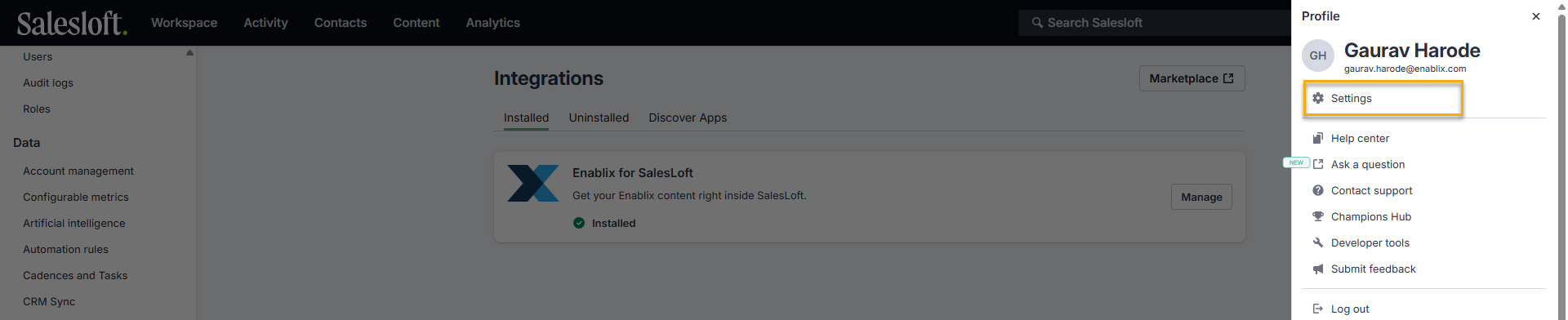
- From the left-hand sidebar, go to Administrator > Integrations
- In the top right, click Marketplace
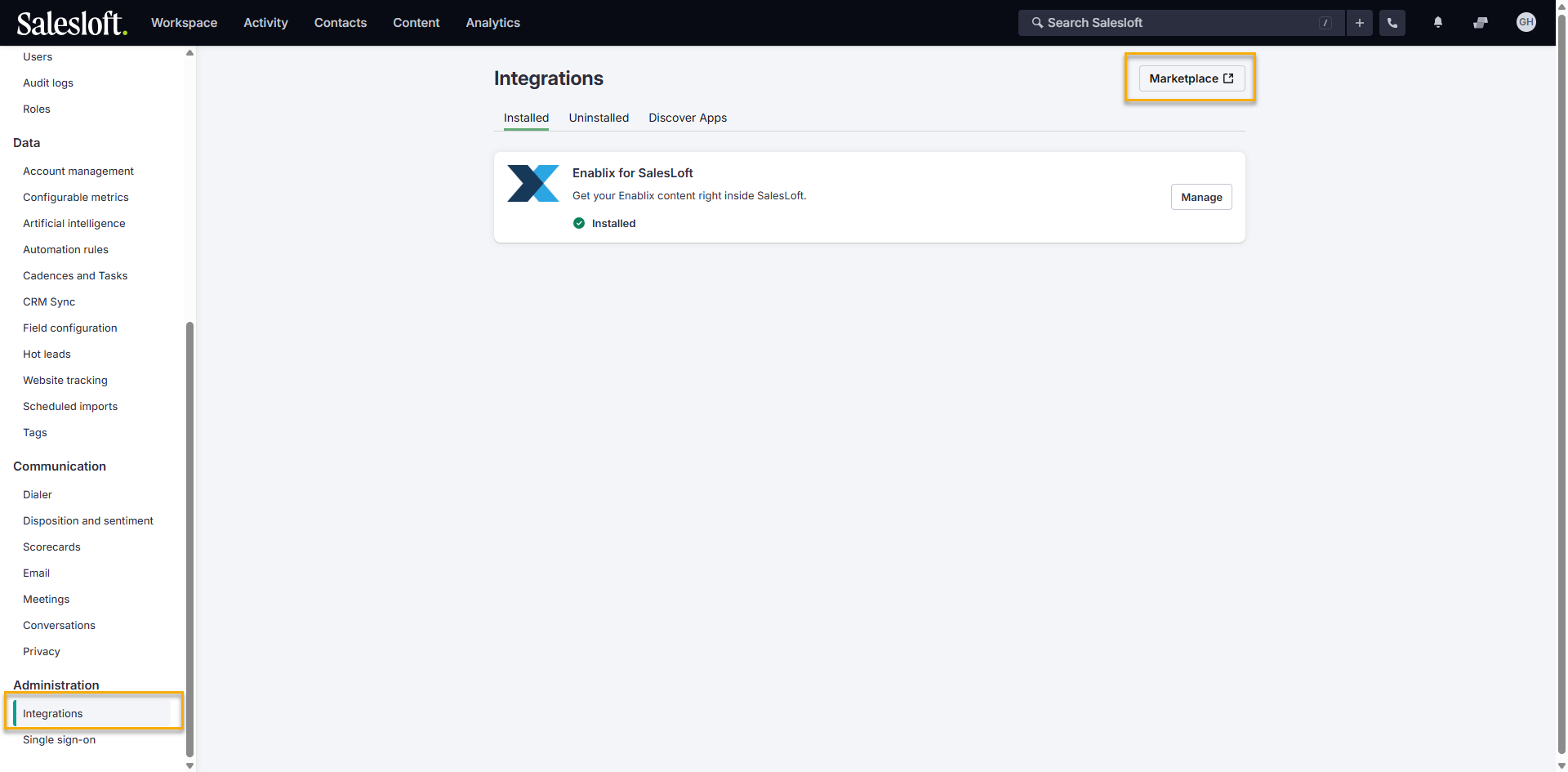
- Search for Enablix for Salesloft and click to install
- Once installed, it's automatically available to all Salesloft users when composing emails, template, or cadence.
Sharing via Salesloft
💡 Prefer not to use the extension? You can also copy the link from Enablix via Copy External Link, sharing the platform-specific link for Salesloft.
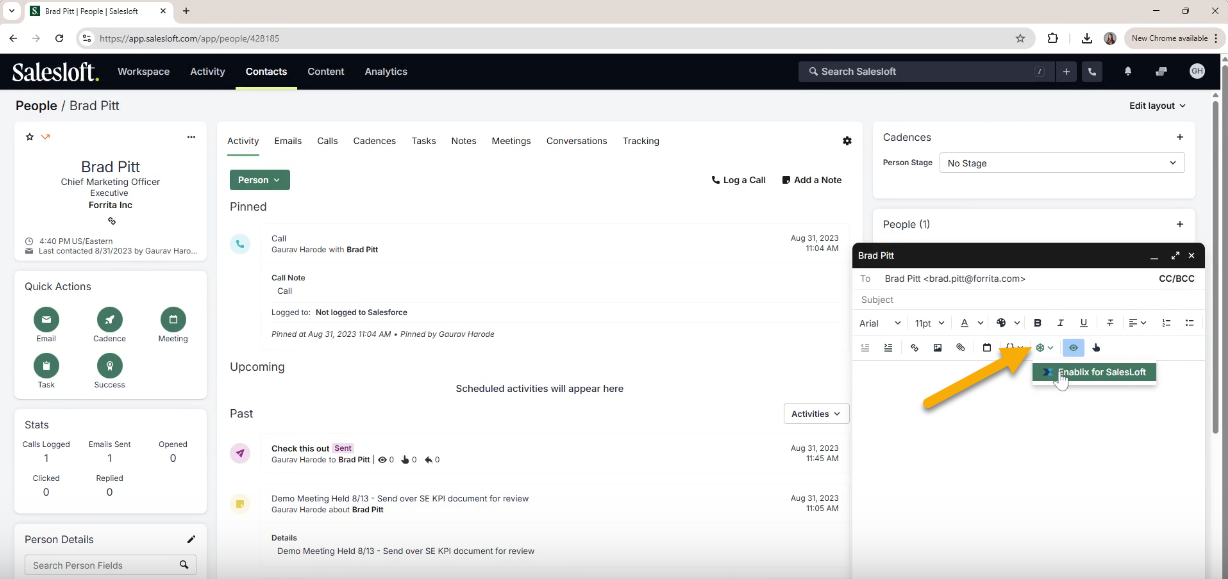
In an Salesloft email, template, or cadence, click the Enablix icon in the toolbar to open the extension:
- Access the content you wish to share
- Click Copy Link
- You'll be asked to enter who you're sharing with for tracking purposes, but you can skip this step because the platform-specific link for Salesloft automatically captures who received your content
- Click Insert Link to paste the link into your email
💡 Platform-specific sharing links automatically capture who received your content — whether you're sending to 10 people or 10,000 — along with who sent it, so you get personal engagement tracking. That makes them ideal for personal outreach or team-wide templates.
Questions? Reach out to our support team anytime at help@enablix.com — we're happy to help!