Access Groups (Company Settings)
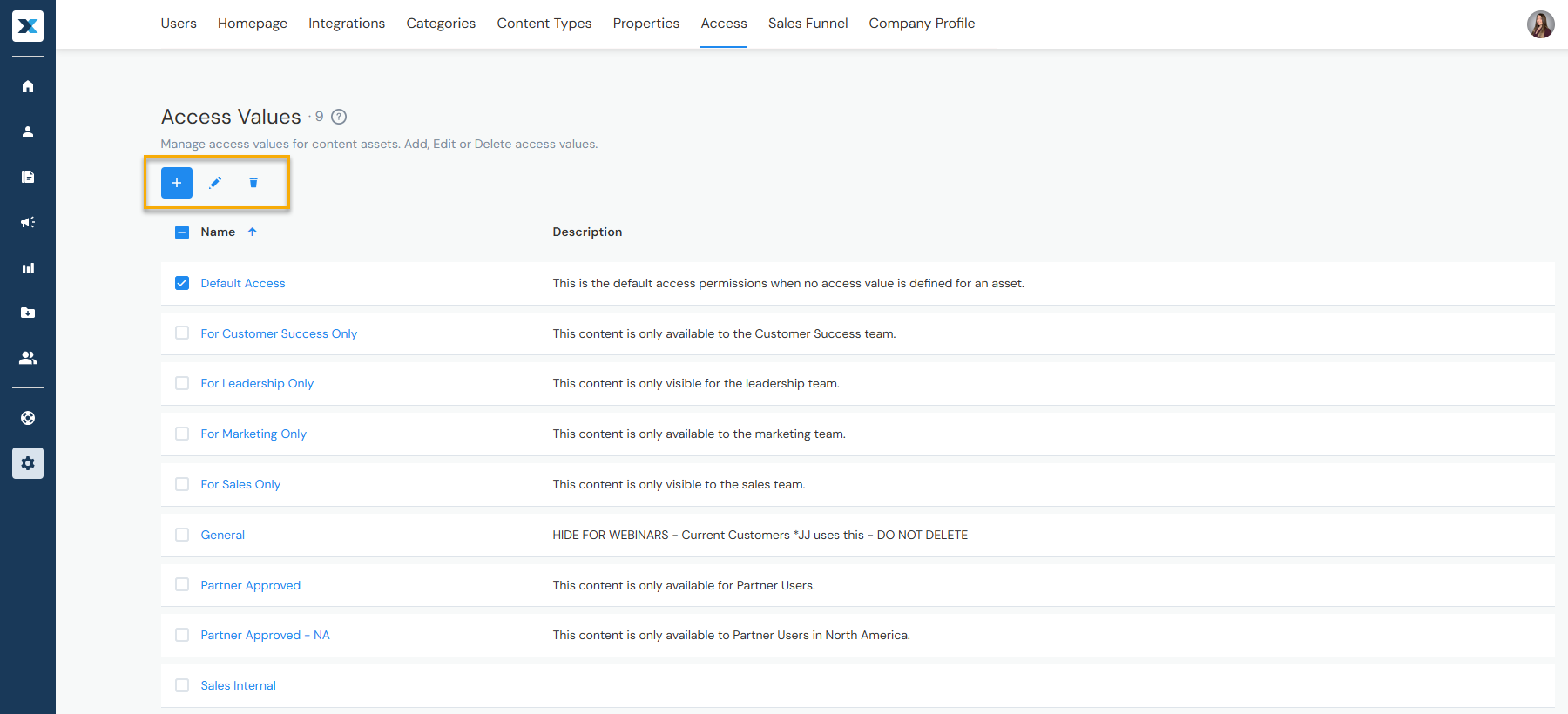
By default, published content is available to all users. Access groups let you restrict content to select groups of users — such as Admins only or approved Sales users. Users can apply and remove access groups when adding or editing content. Admins can manage access groups in Company Settings > Access:
Jump to:
Adding Access Groups
- Click the + button
- Enter the access group's name and an optional description
- Click the + button to add access definitions — define who belongs to this group
Editing & Deleting Access Groups
- By checkbox — Check the box to the left of the access group's name, then click the pencil icon to edit or the trash can icon to delete
- By name — Click the access group's name to open it and edit or delete from there
Have a question? Reach out to us at help@enablix.com — our support team is here to help.