Company Profile (Company Settings)
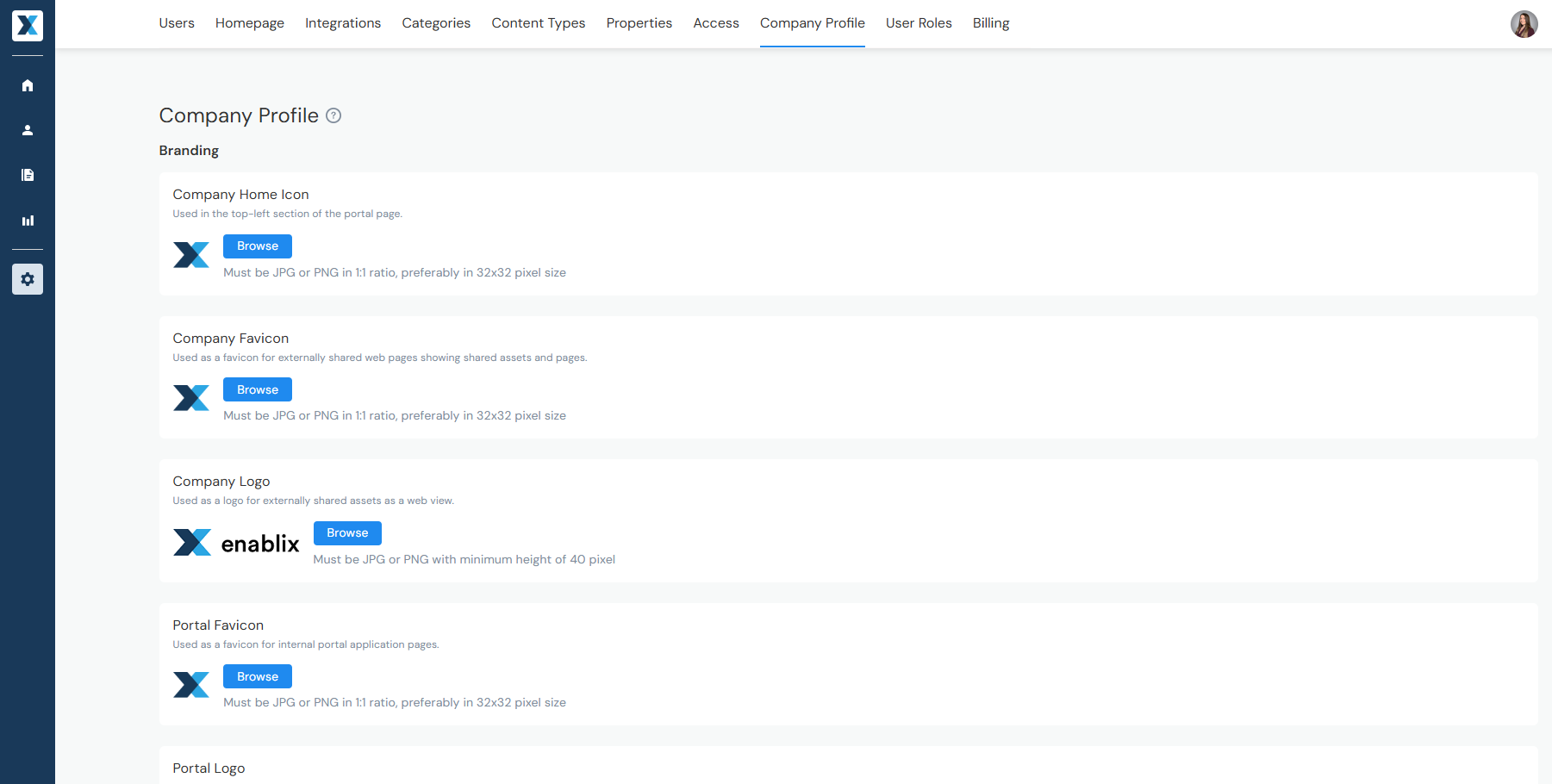
Manage your portal's branding in Company Settings > Company Profile — including your icon, favicon, and logo. Each option includes a description of where it appears, so you'll know whether it's visible internally, externally, or both.
Have a question? Reach out to us at help@enablix.com — our support team is here to help.