Creating a Microsite
In your Enablix portal you may have Microsites that are already created and ready to share. However, you can always create your own—whether making a copy of an existing one or building from scratch.
Making a Copy of an Existing Microsite
This video demonstrates:
- How to copy an existing Microsite and customize it
- How to show or hide your contact information
- How to change the content layout
- How to add, remove, or modify content
Sharing a lot of content on your Microsite? In addition to adding text sections, adding tabs can help improve navigation:
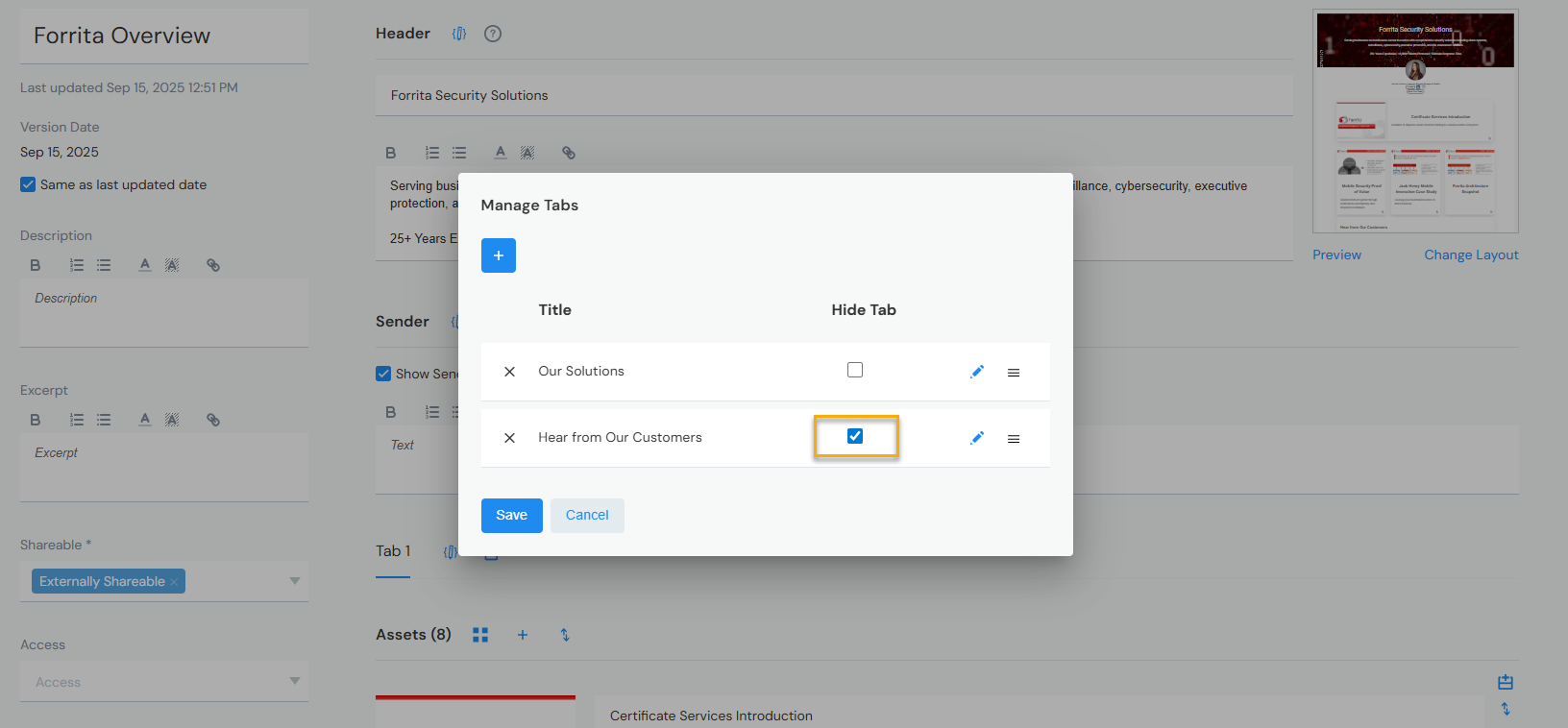
Tabs can be hidden or shown at any time. When hidden, a tab remains visible to you during editing but won't appear in preview or to recipients:
Building from Scratch
This video demonstrates:
- How to add a new Microsite
- Advanced customizations—header, footer, and color schemes (background, text boxes)
Before building your Microsite from scratch, check if Microsites have already been created for you—your admin or marketing team may have set them up with proper branding and messaging. Admins can designate Microsites as templates.