Adding Content
All users can add content, but saving options vary depending on your system role.
To add content, from the homepage click Add and select from the following options:
- File (see video below)
- URL
- Text
- Content Kit
- Microsite
- Engagement Hub
- Import*
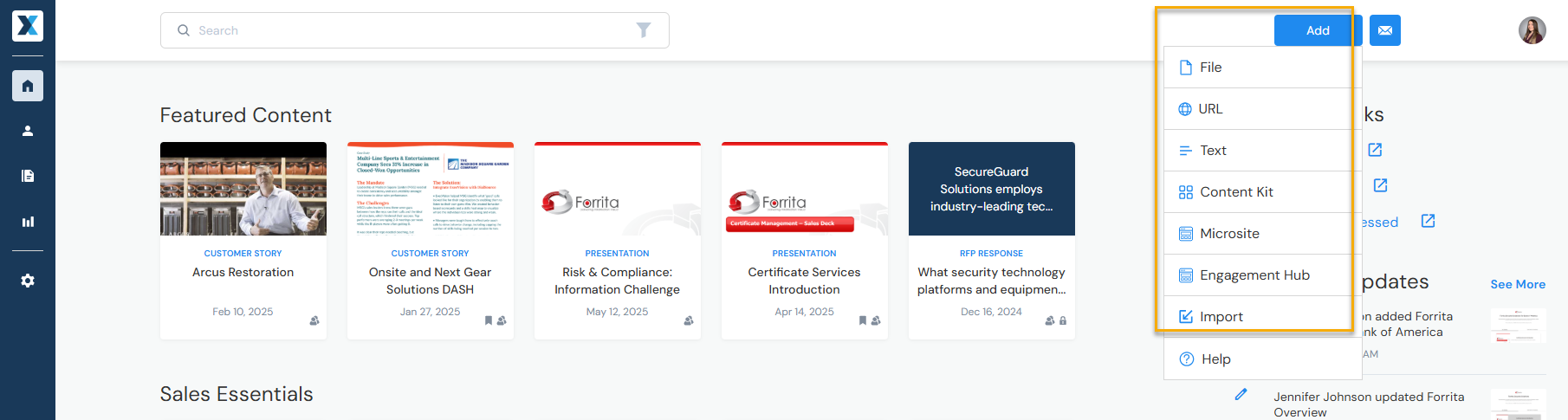
*Only admins and approved contributors have the Import option.
This video shows how to add a file and which metadata fields are required such as title or content type. Learn more about supported file formats or metadata.