Metadata
Metadata organizes your content.
- Content Type (required)
- Categories & Labels (recommended)
- Version date
- Description
- Excerpt
- Shareable
- Access
- Owner
- Collaborators
- Thumbnails
- Properties
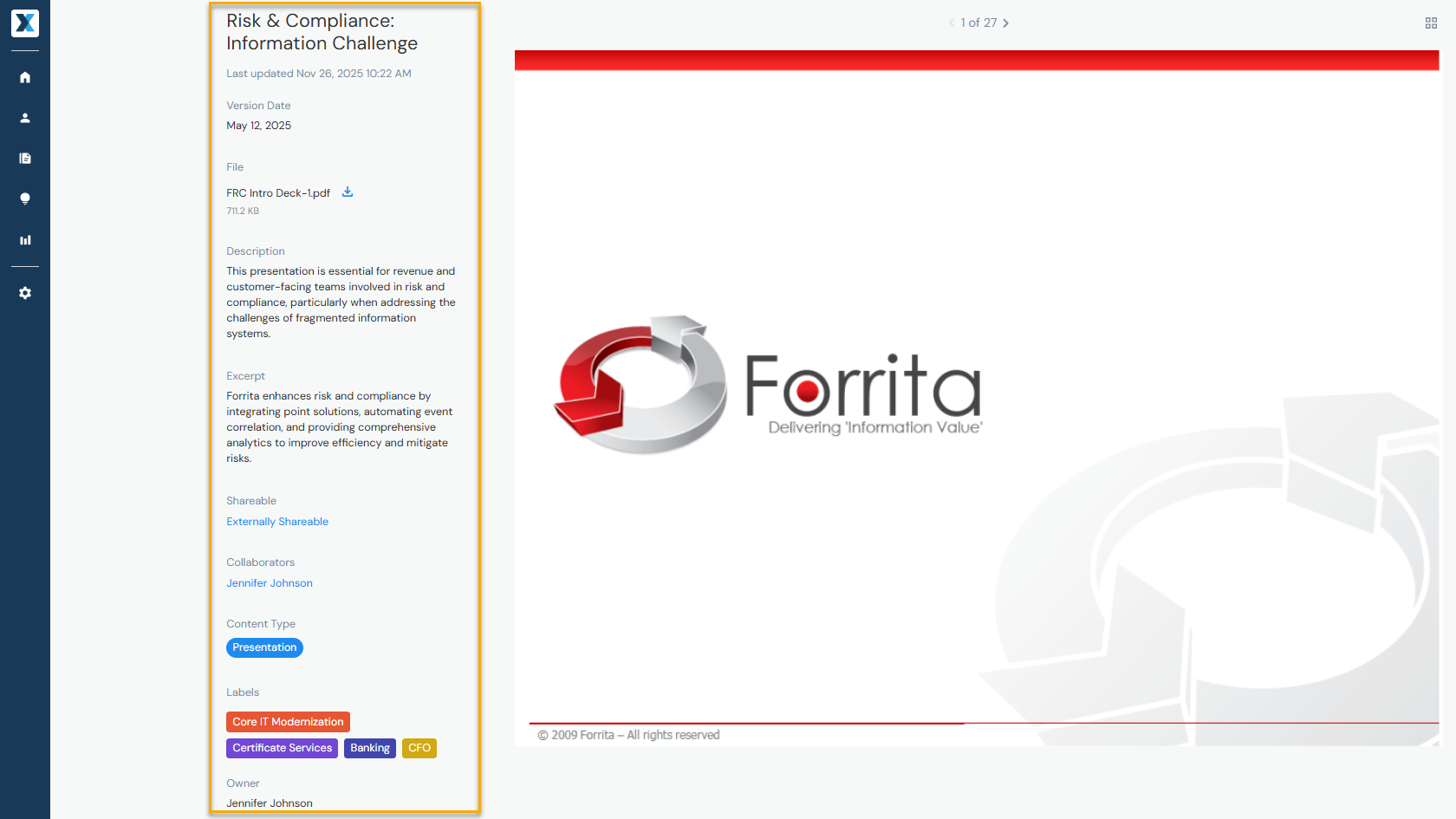
Content Type
What type of content you are adding—such as a blog post, presentation, or video. Selecting a Content Type is required:

To change a Content Type, open the asset, hover over the three dots to the right of Share and select Change Content Type:

Admins can modify Content Types from Company Settings > Content Types tab (learn more).
Categories & Labels
Organize your content by industry, solution, service, and more. You can add or remove Labels when adding or editing content. While adding Labels is not required, it's recommended:

Admins can modify Categories and Labels from Company Settings > Categories tab (learn more).
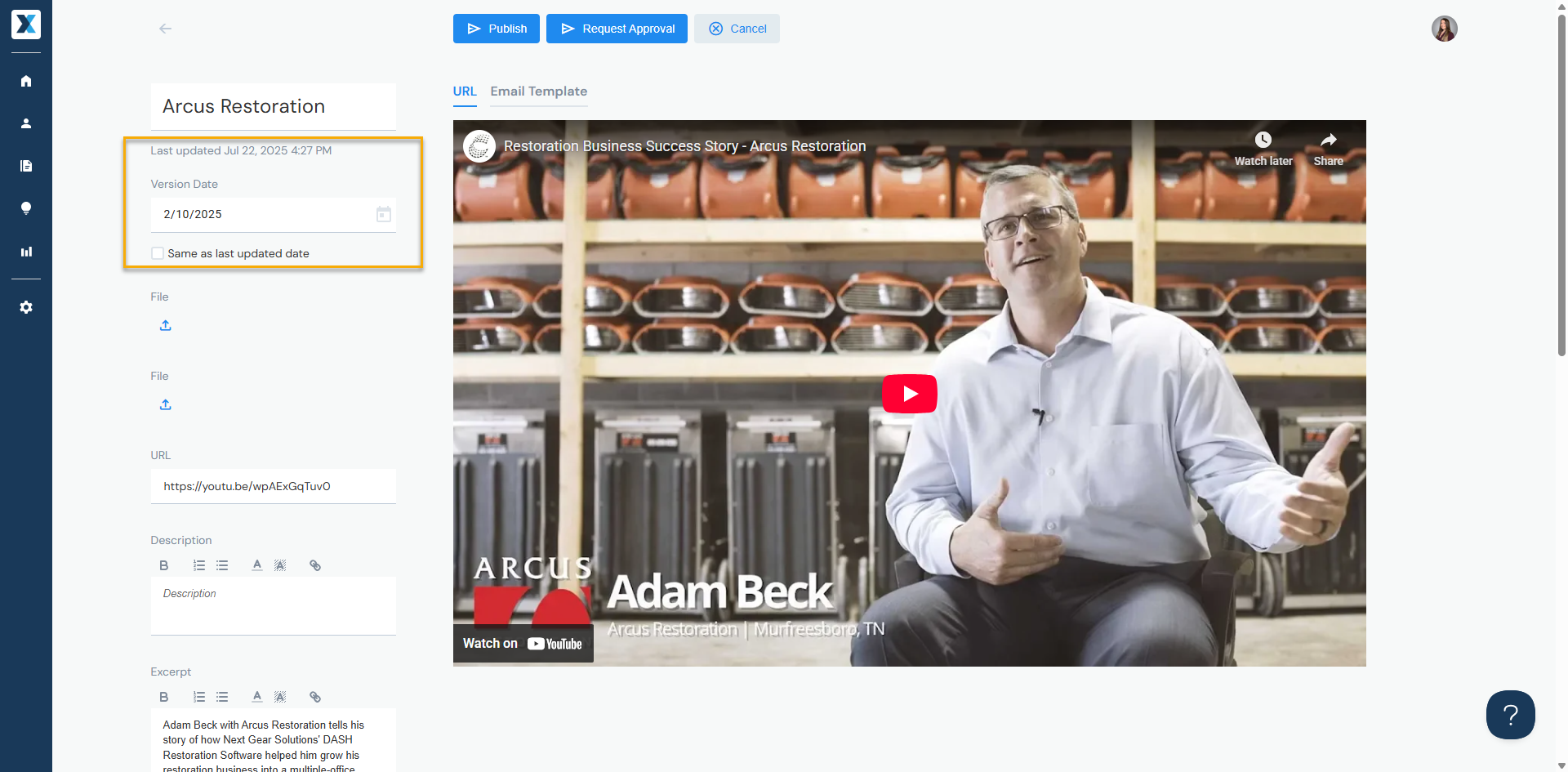
Version Date
Defaults to the date you last added or edited the content, but you can manually select a different date:
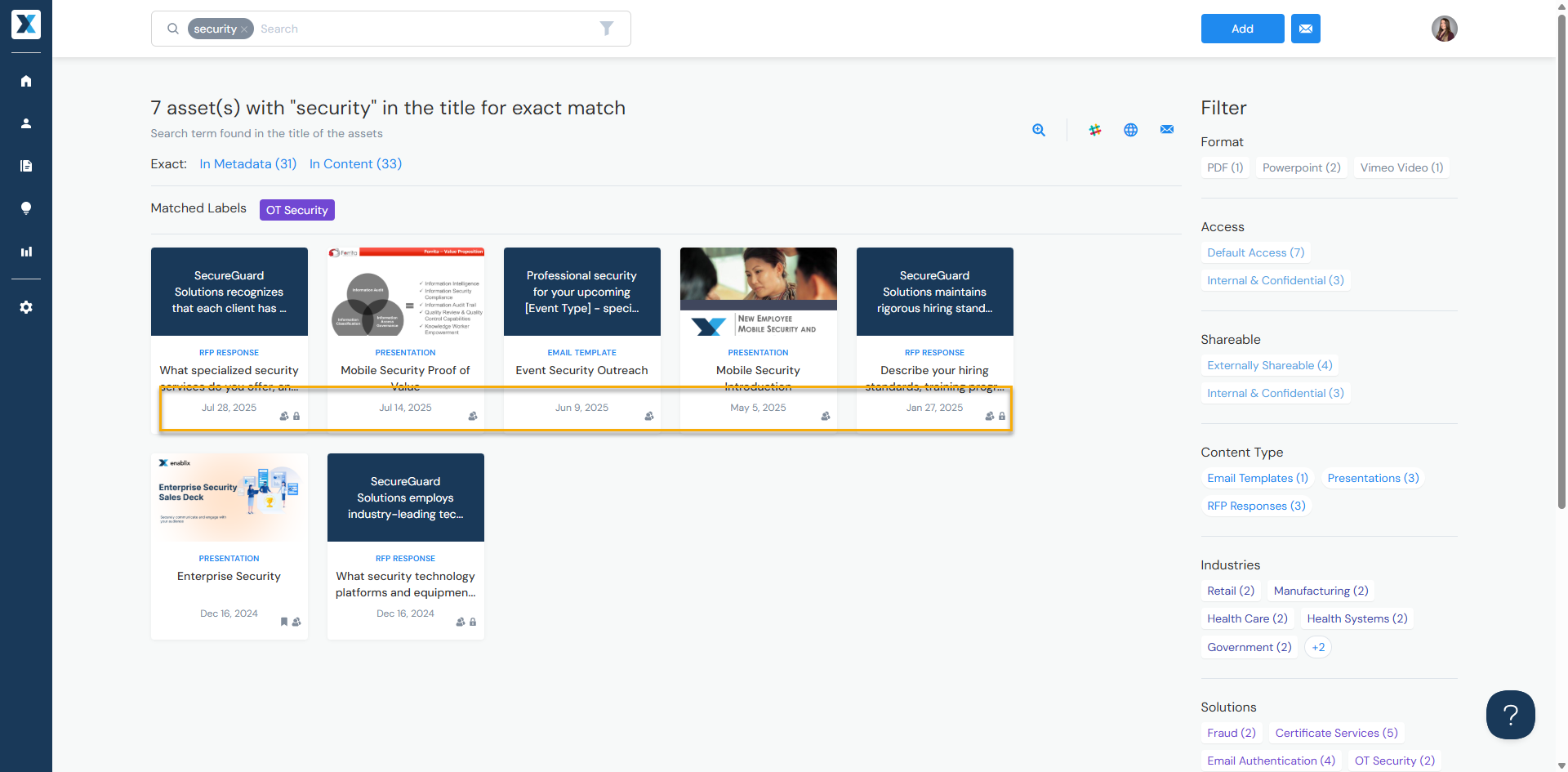
When searching for content, results are displayed by latest version date first:
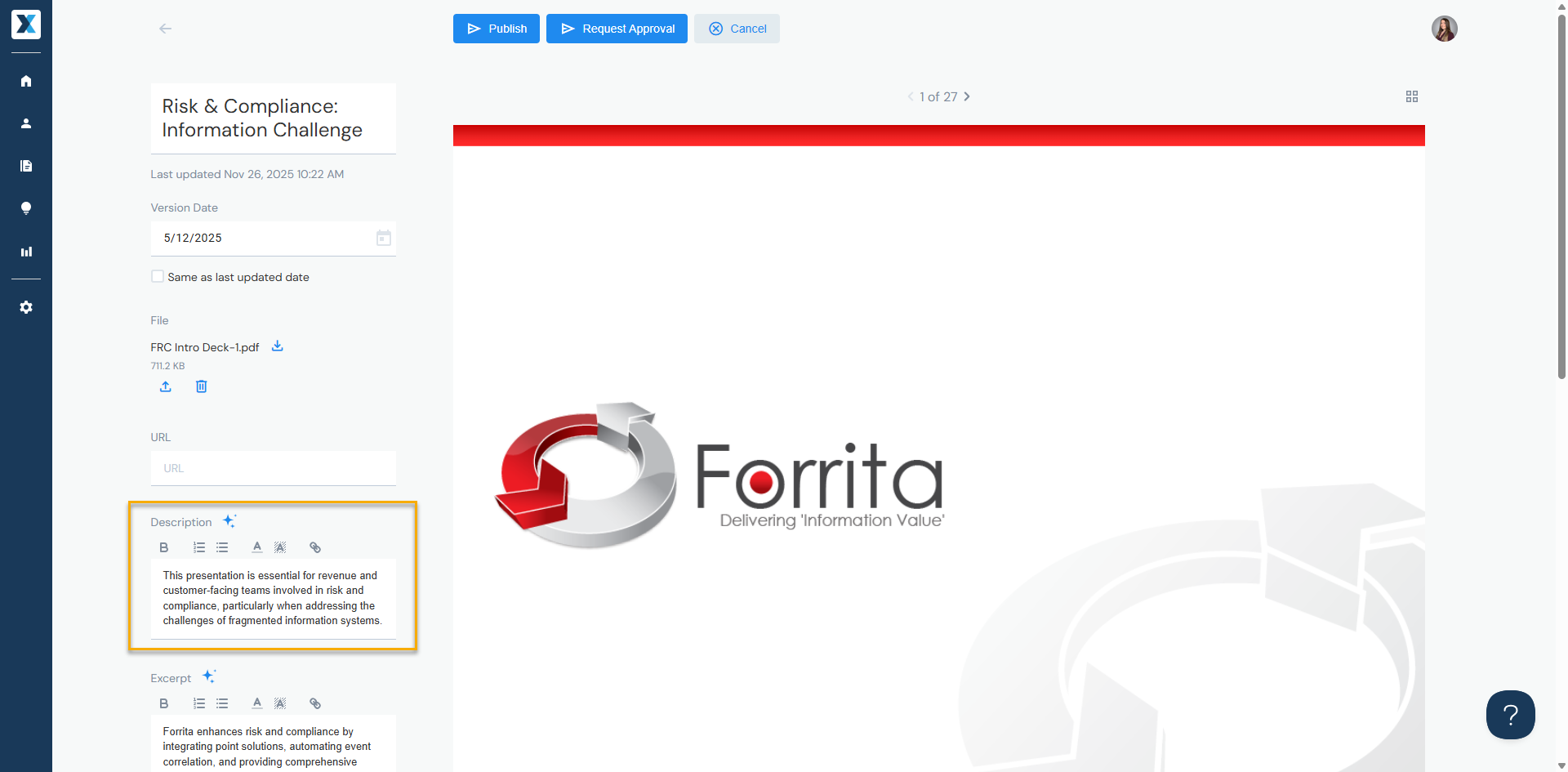
Description
Internal description—only Enablix users can see this:
Excerpt
External description—visible to external recipients when you share content via emailing through Enablix, Microsites, or Engagement Hubs:
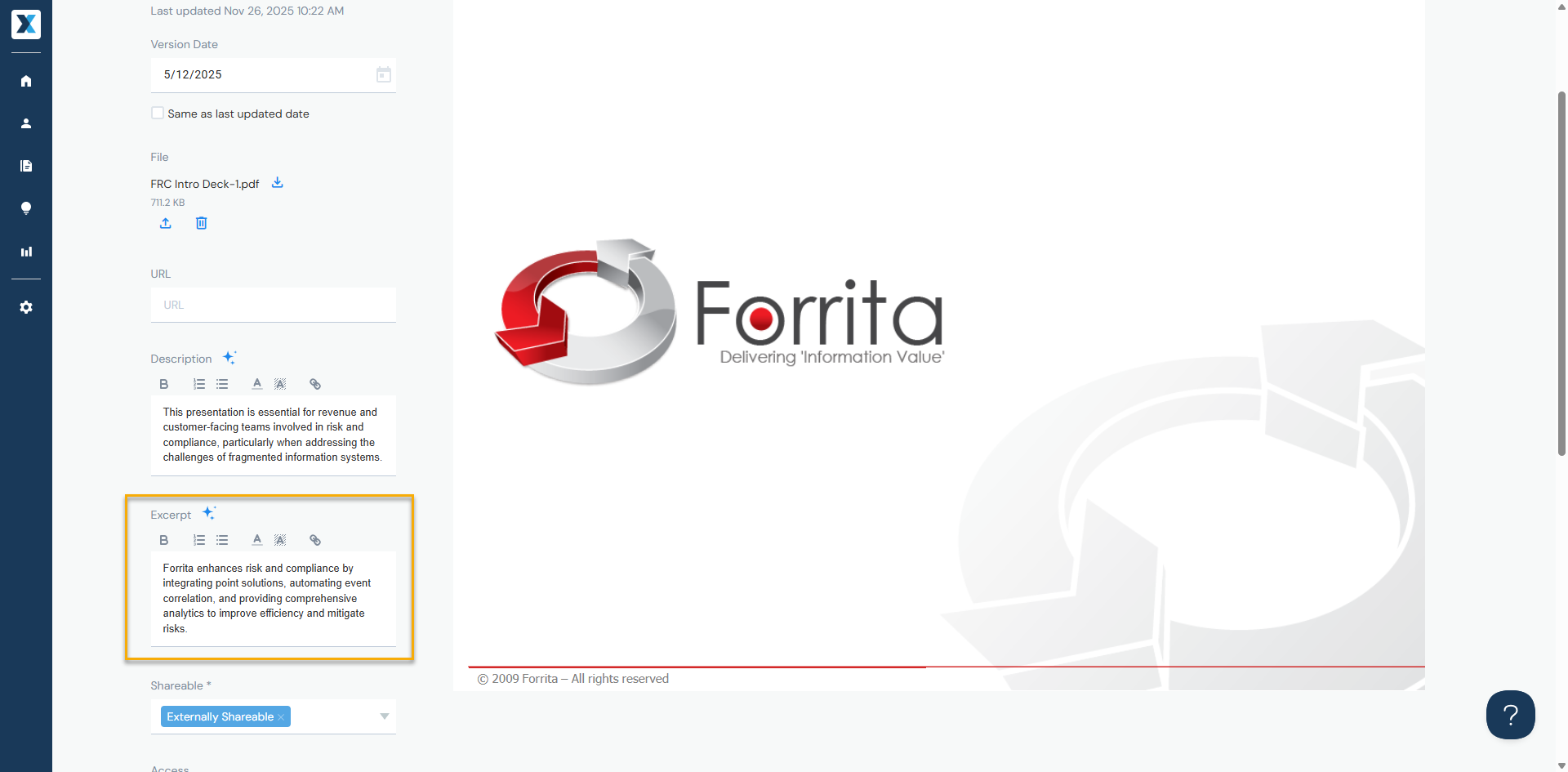
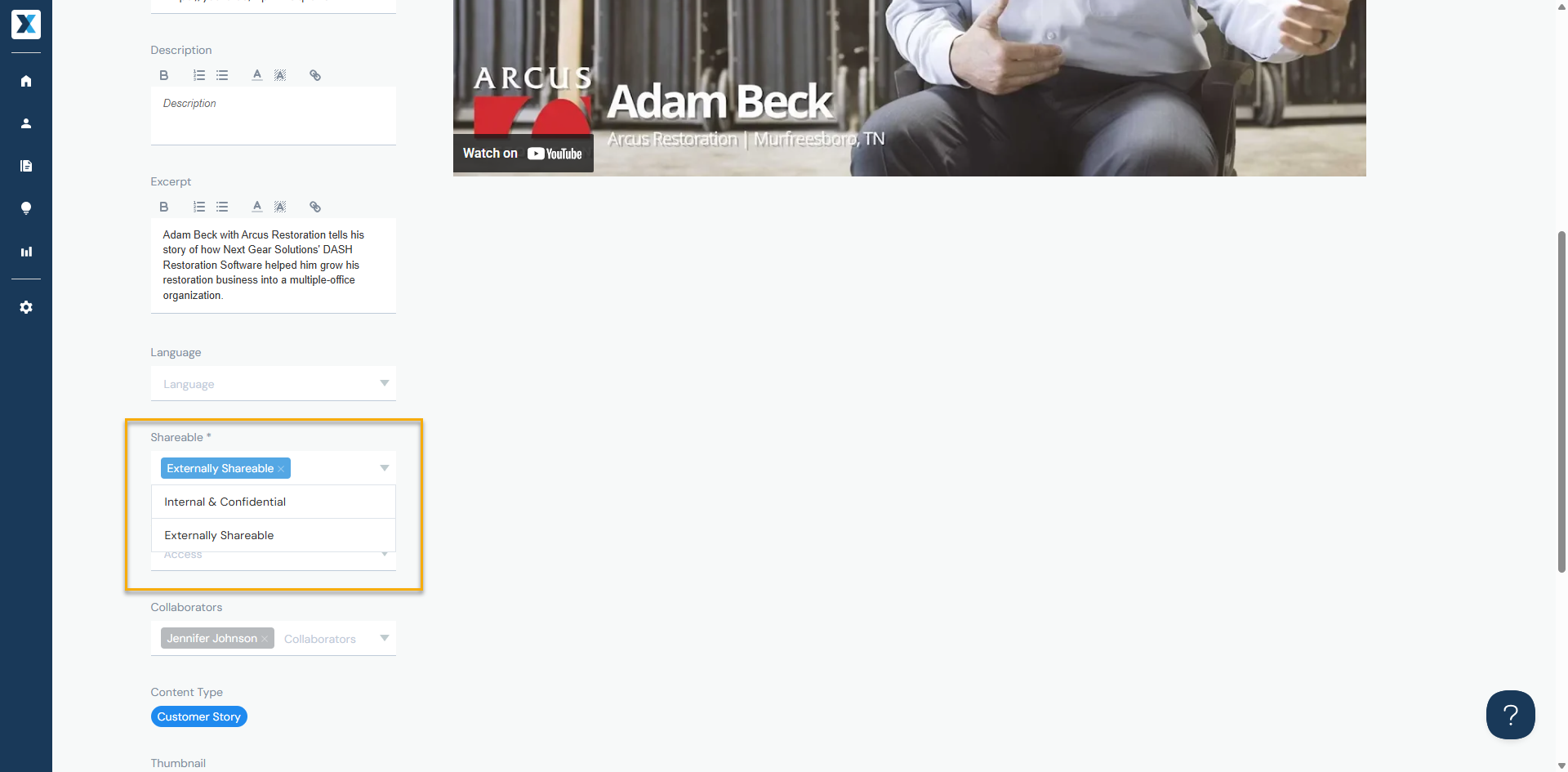
Shareable
- Externally Shareable - can be shared with external recipients
- Internal & Confidential - can only be shared with other Enablix users
Access
When you add content by Publishing it, it's available to all Enablix users. To limit it to select user groups—such as administrators or sales—you will still Publish it but select applicable Access Groups:

Admins modify Access Groups from Company Settings > Access tab (learn more).
Owner
Defaults to the user who added the content:
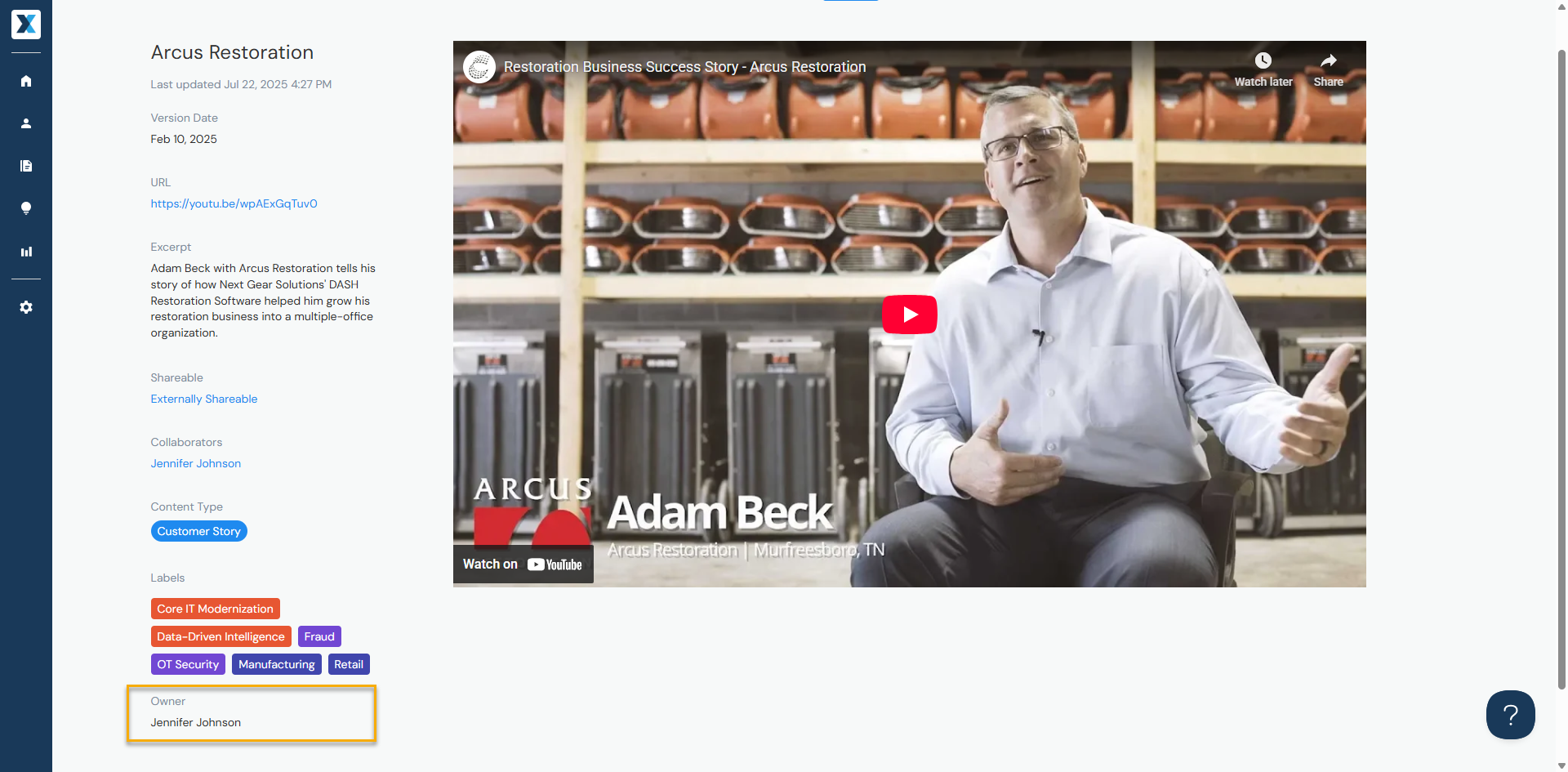
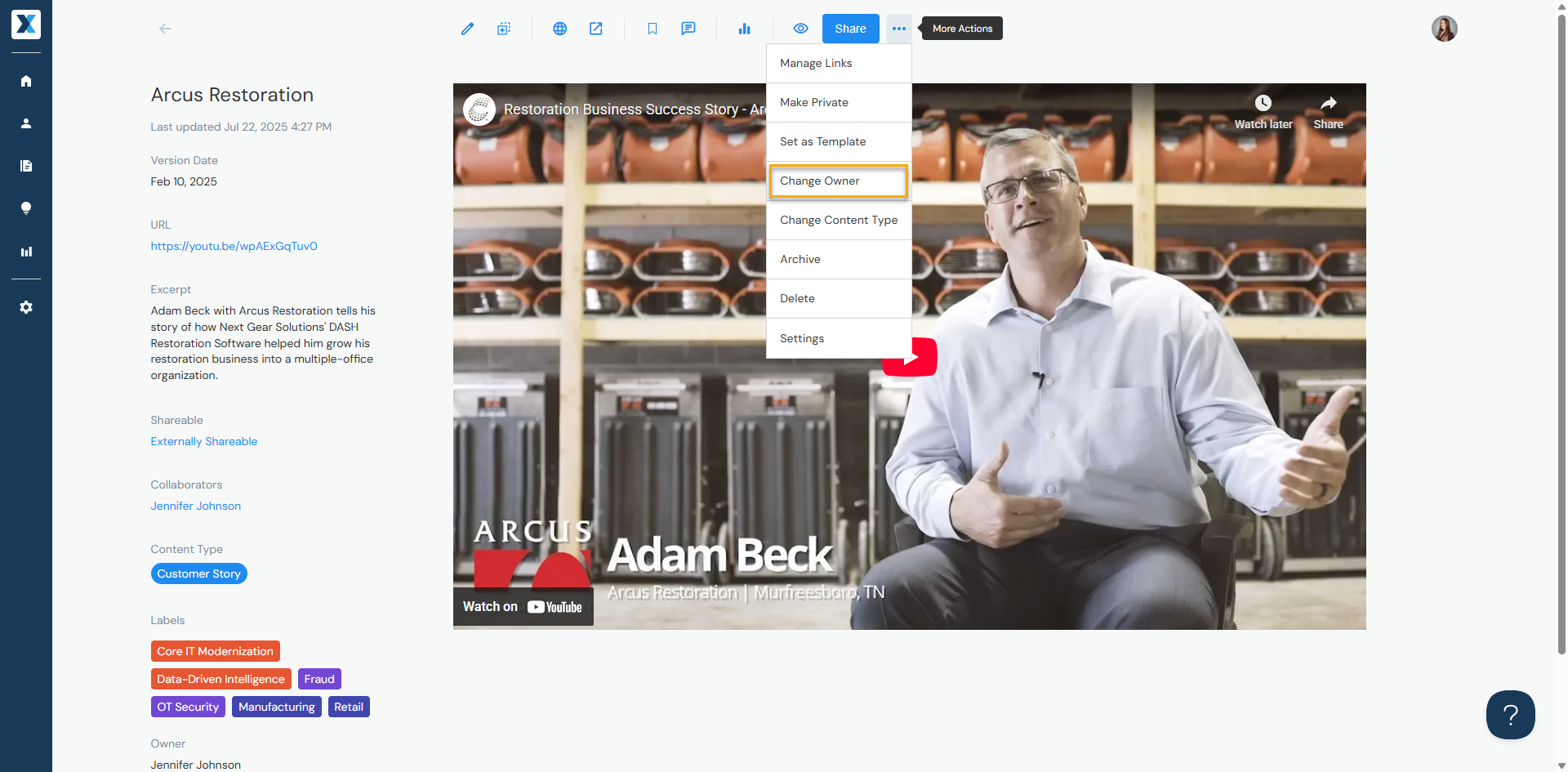
To change the owner, open the asset, hover over the three dots to the right of Share and select Change Owner:
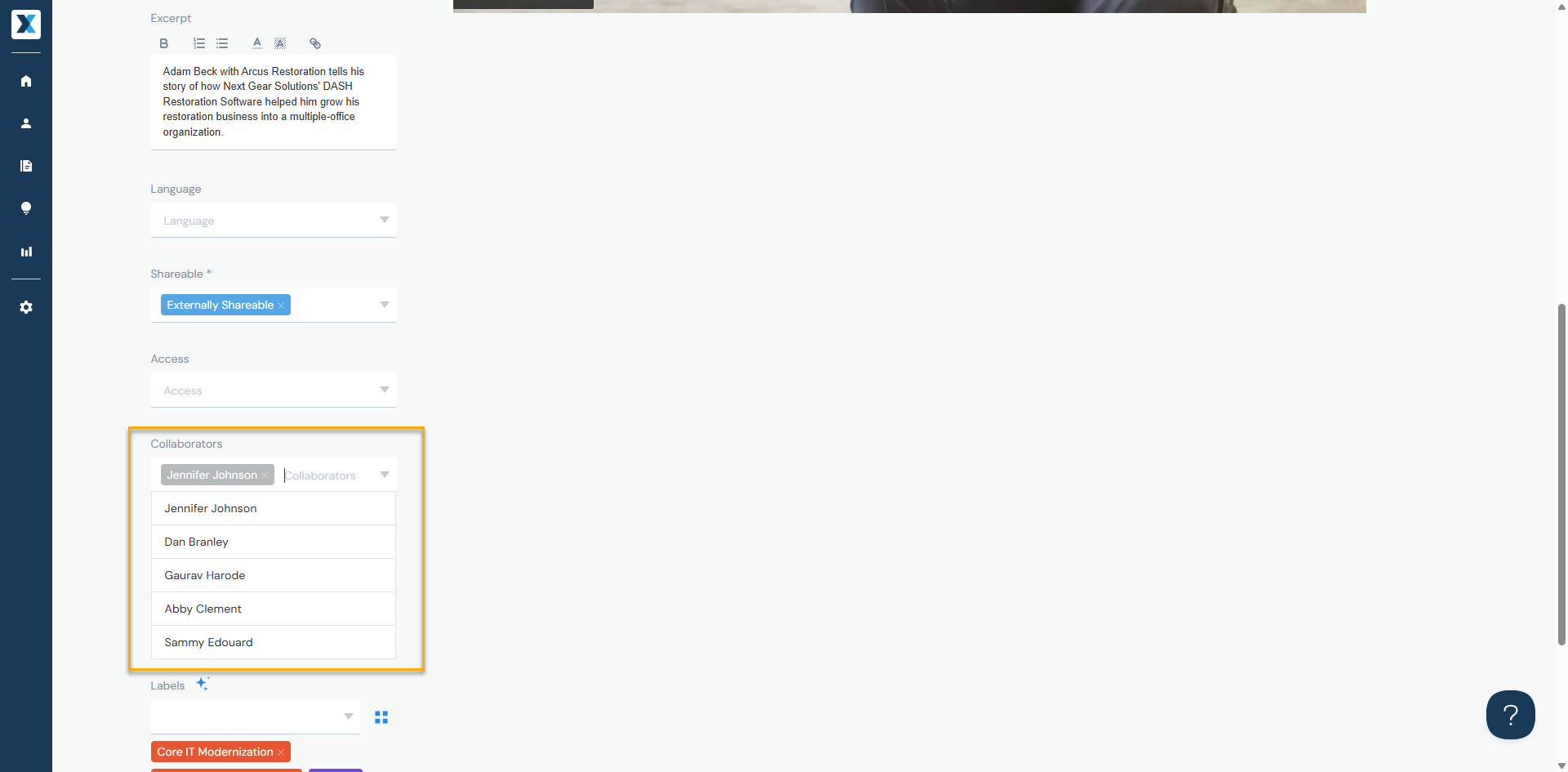
Collaborators
In addition to the content having an owner, it can have collaborators. Add collaborators to:
- Show 'shared ownership' (there can only be one owner)
- When the content is updated or deleted, the owner and collaborators receive an email
- If the content is added as Save as My Content (Owner's Private Content), the owner and collaborators can access it
Thumbnails
When you add content, Enablix automatically generates a thumbnail. If one can't be generated—such as file type isn't supported or a URL doesn't allow embedding—you can add your own:
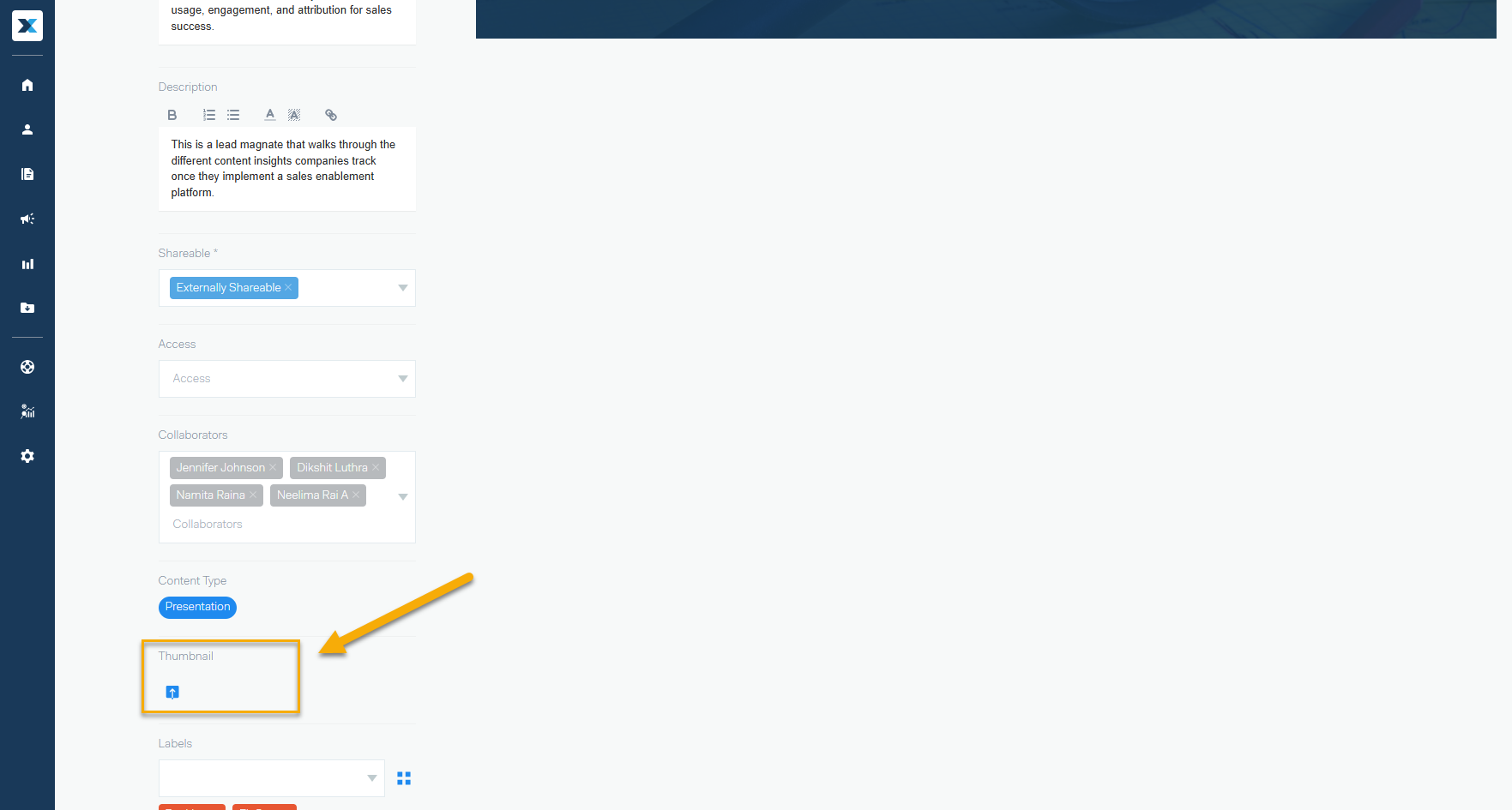
Recommended thumbnail size: 360 x 200 pixels.
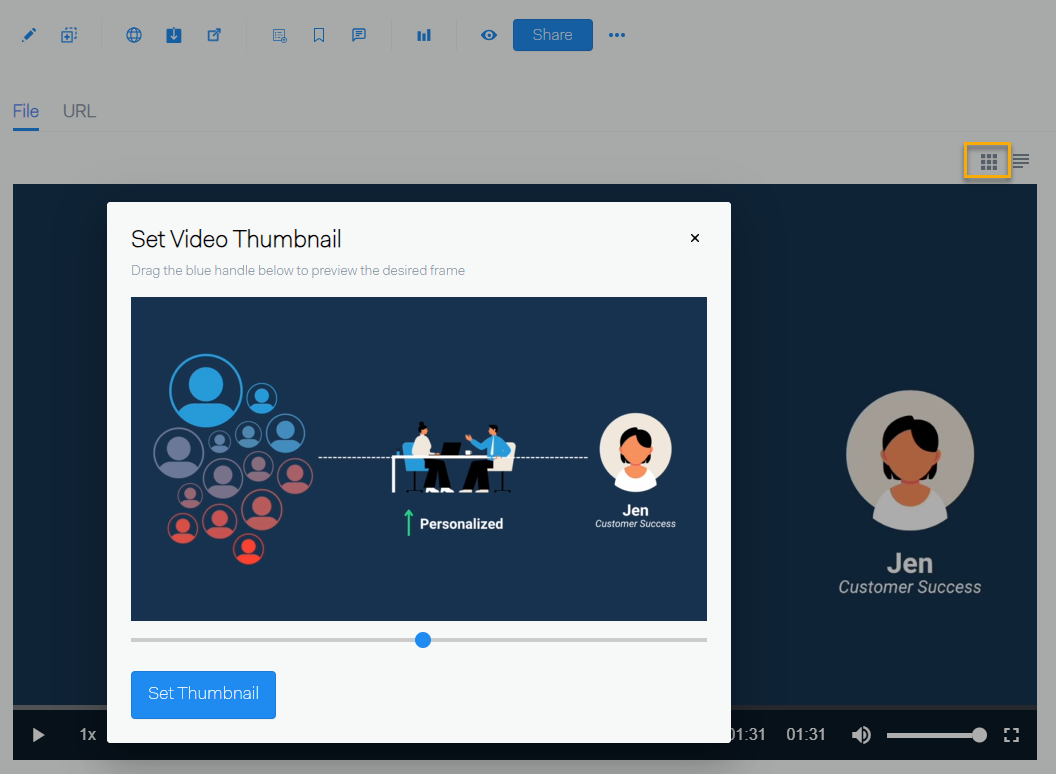
For MP4 videos, you have an extra option: click Select Video Thumbnail to choose a frame from the video as your thumbnail:
Properties
Need more content organization options? Properties are customizable metadata fields that let you organize content beyond the standard options.
This video demonstrates:
- What Properties are and how they organize content
- The difference between Properties and Categories & Labels
- How admins can add, modify, and delete Properties