Content Types (Company Settings)
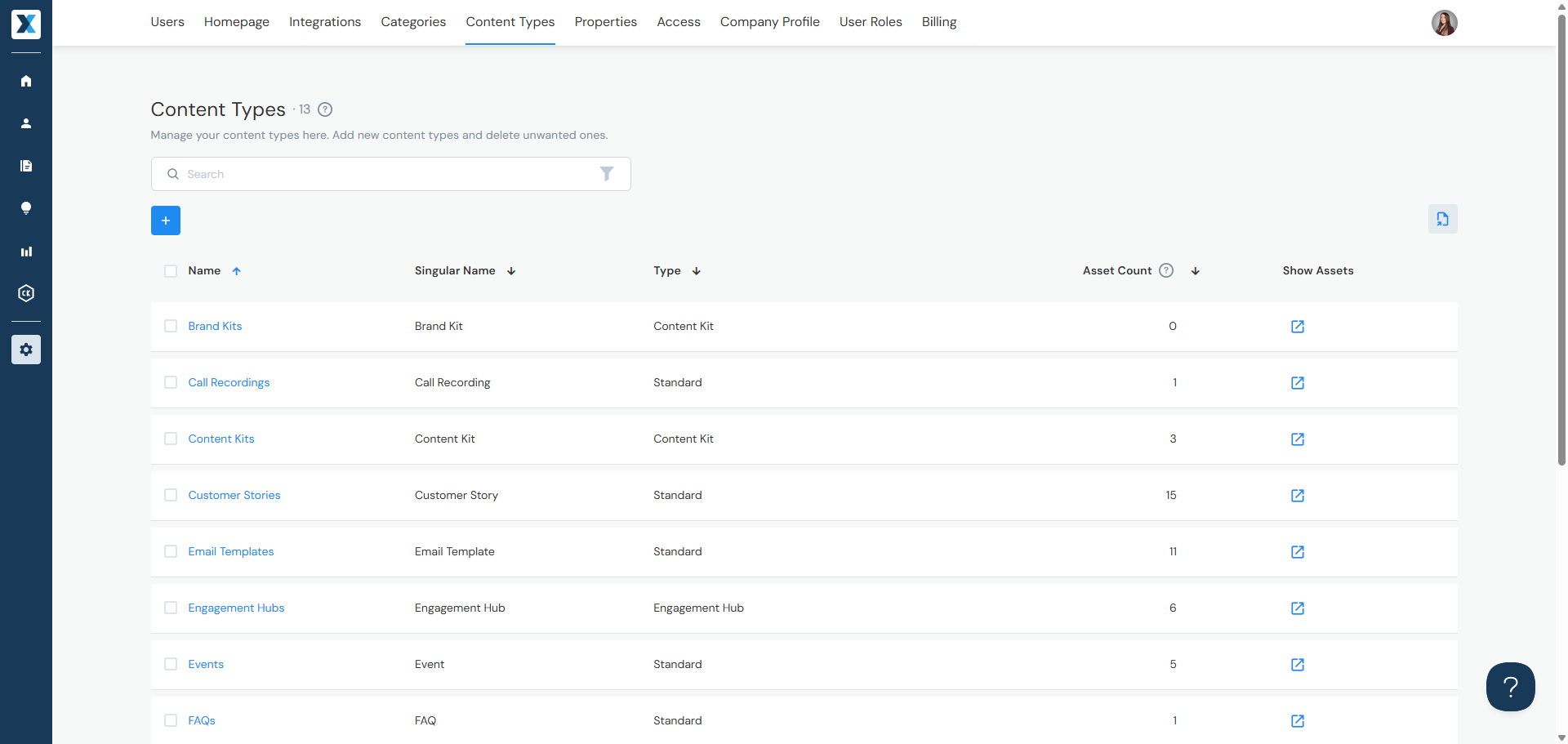
Content Types describe what a piece of content is — blog post, presentation, video, etc. Users are required to select a content type when adding content. Admins can add, edit, and delete Content Types in Company Settings > Content Types, including configuring what each type supports (e.g., files, URLs, email messages):
Jump to:
Adding Content Types
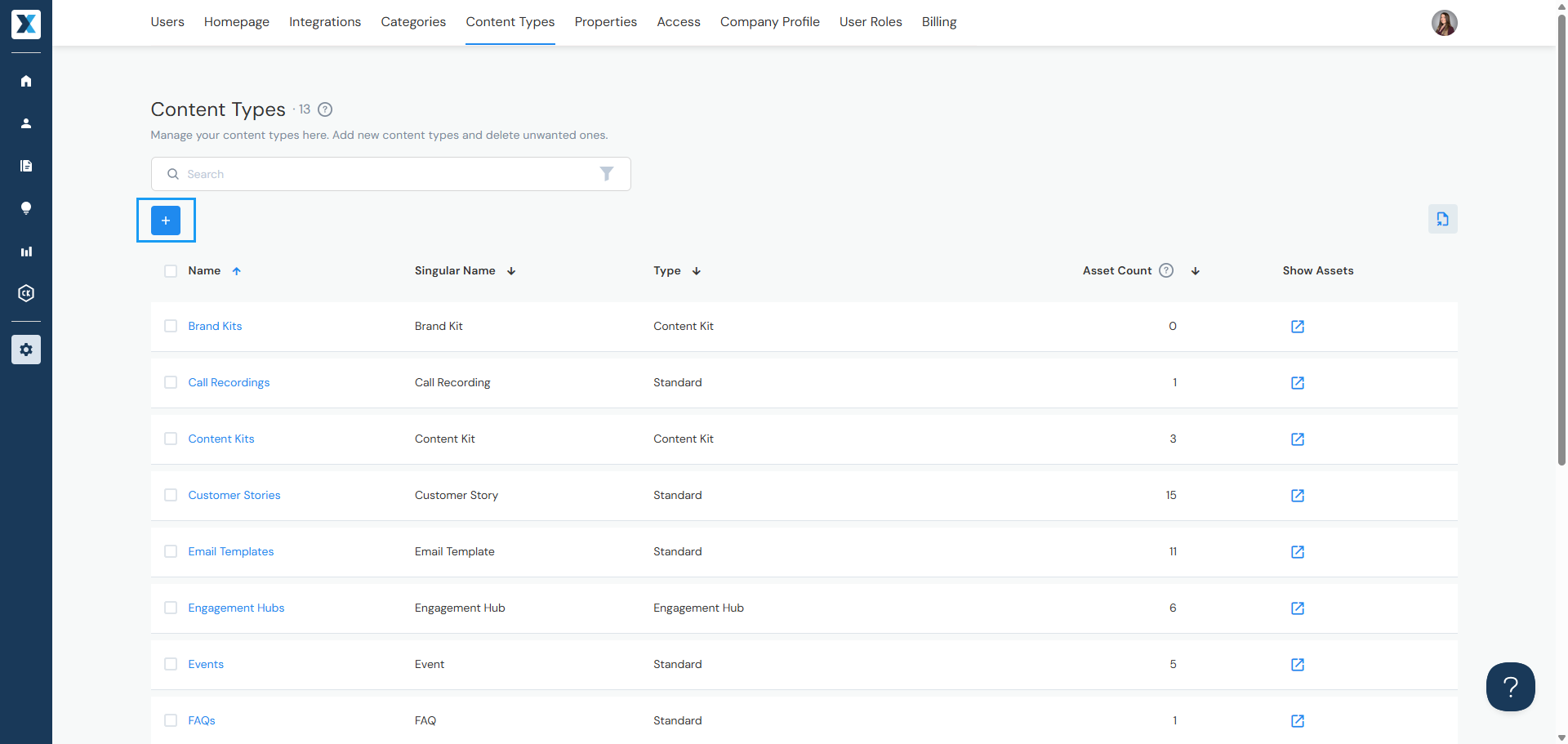
- Click the + button
- Enter the Content Type's plural and singular name (used for search)
- If applicable, select whether the content type is a Content Kit, Microsite, or Engagement Hub — this cannot be changed later
- Select the default shareable value — this can be overridden when adding individual content
- Set the Verify in Days — how many days before the Content type is flagged for Verification
Editing or Deleting Content Types
You can edit or delete a content type two ways:
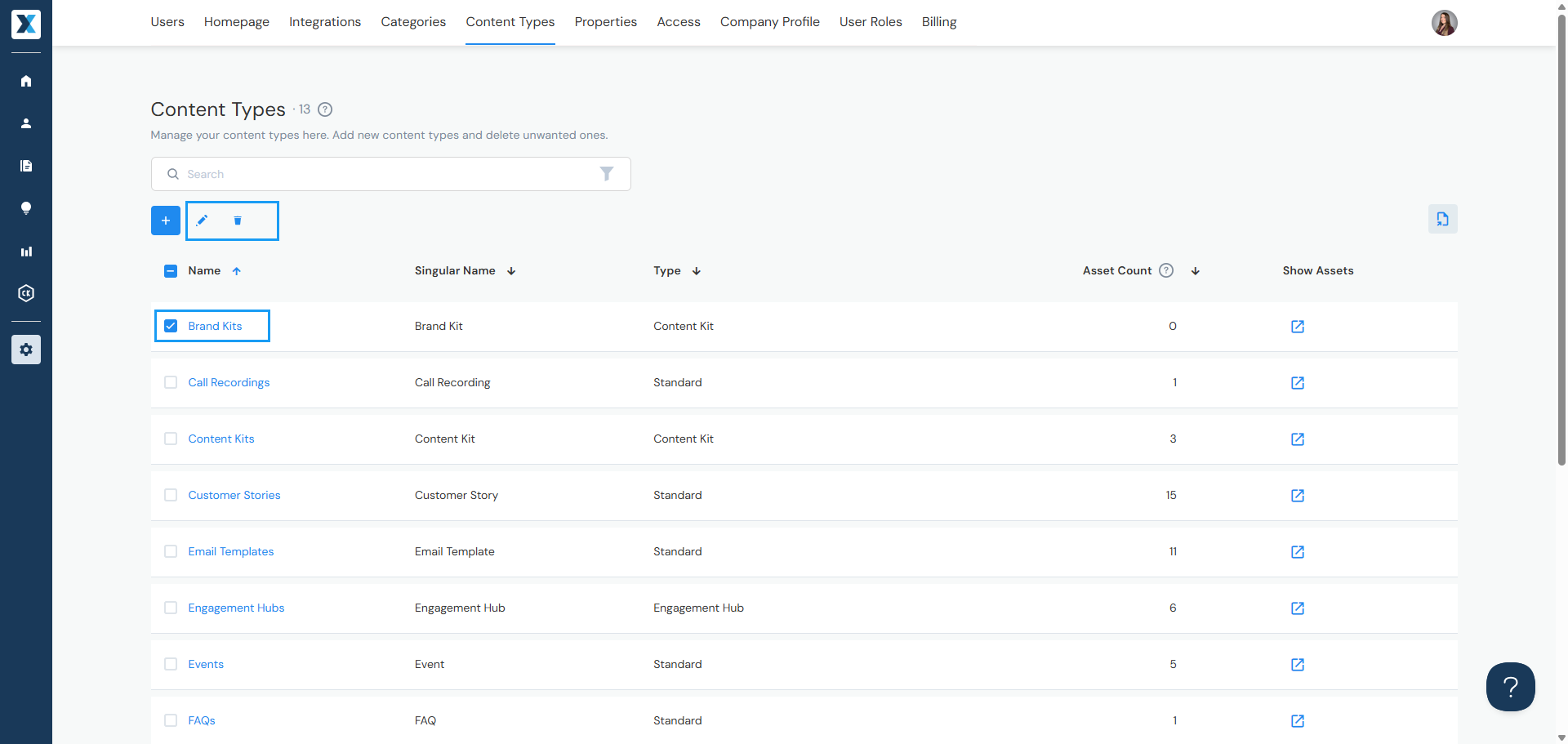
- By checkbox — Check the box to the left of the Content Type's name, then click the pencil icon to edit or the trash can icon to delete
- By name — Click the Content Type's name to open it and edit or delete from there
Configuring Content Types
Content Types are made up of attributes — files, URLs, email messages, properties, and more. This video shows how to change their configuration:
Exporting Metadata
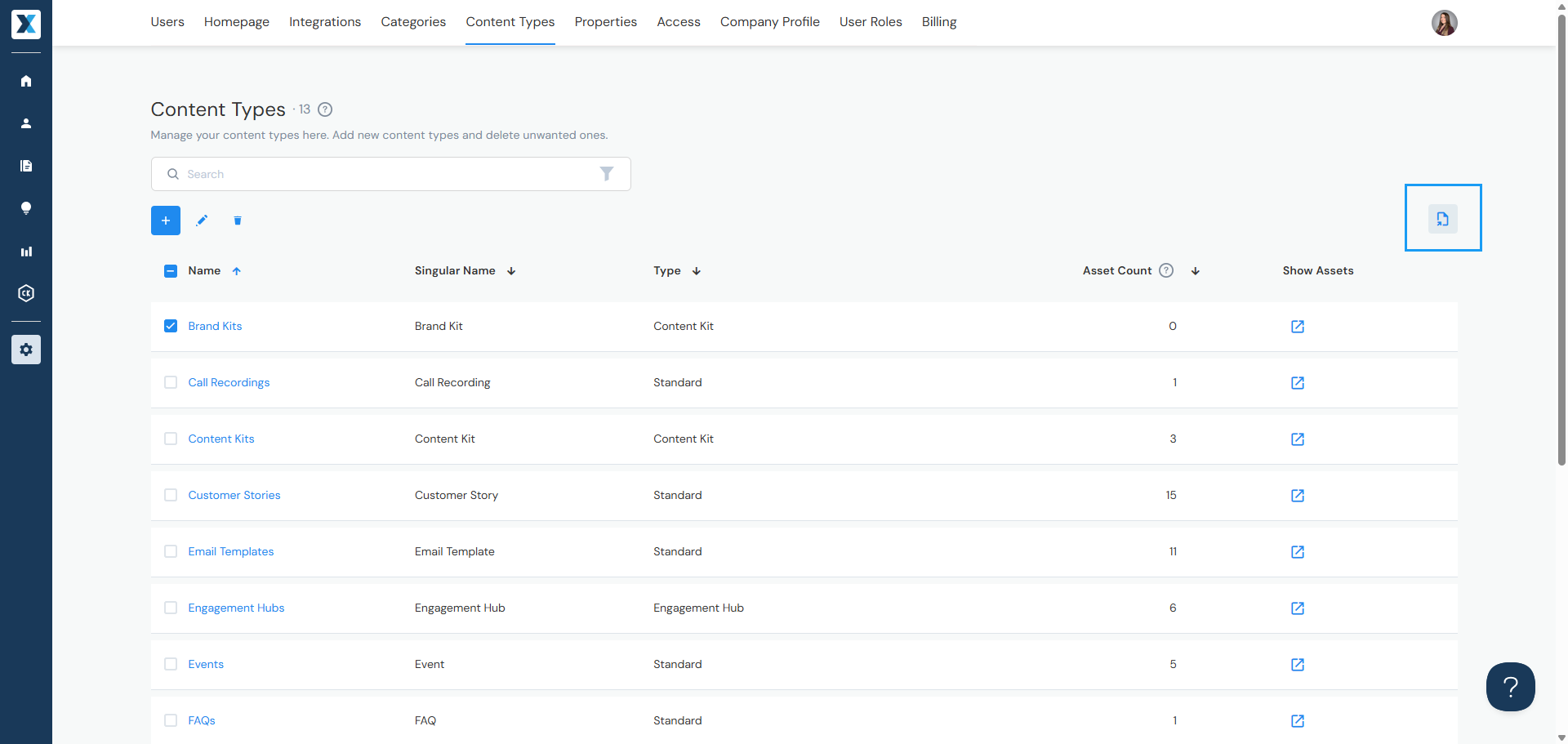
Click the document icon to export a list of metadata — the list will be sent to you via email. The export includes:
- Content Types
- Categories & Labels
- Properties
Have a question? Reach out to us at help@enablix.com — our support team is here to help.