Navigating Enablix
You navigate Enablix using the left-hand navigation bar:
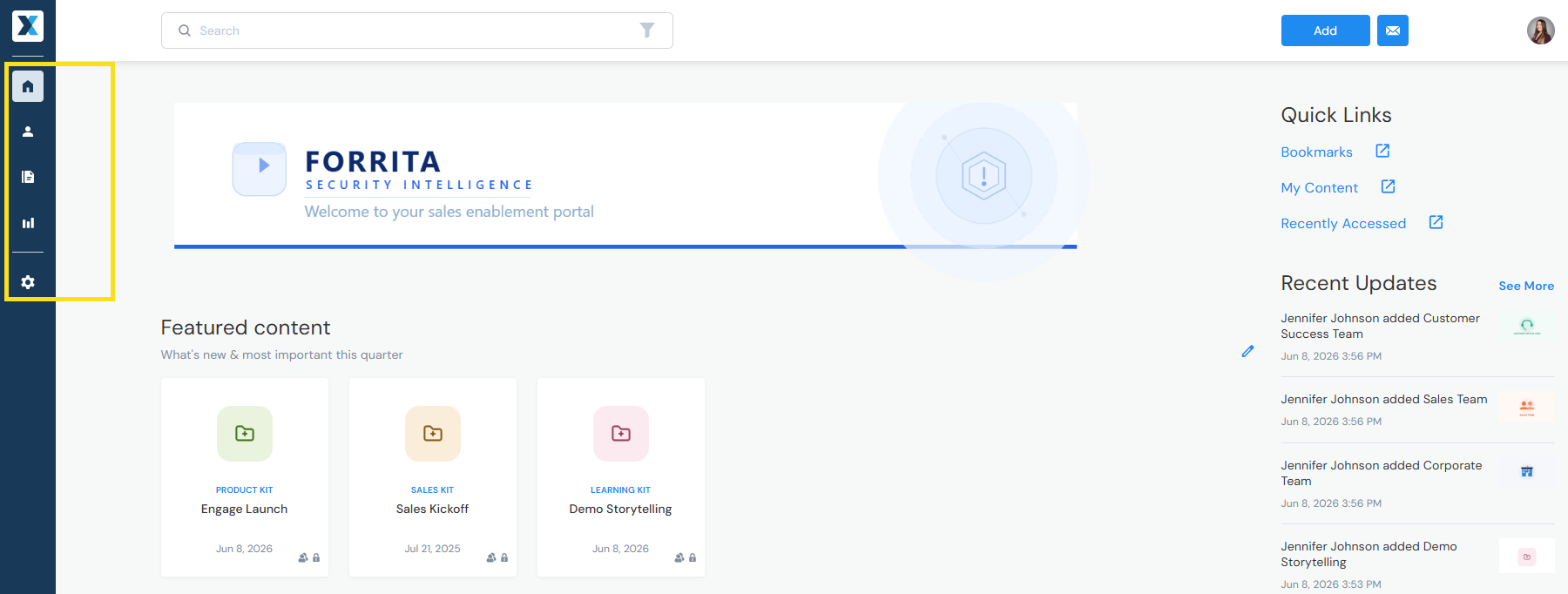
- Home — Browse and search your organization's approved content library.
- My Stuff — Your personal reporting dashboard. Track engagement on the content you've shared.
- Content Manager — Content library workflows.
- Insights (Admins, Approved Contributors, and Insights Users only) — Admin reporting dashboard. Track engagement across all content shard with prospects and customers as well as internal activity.
- Company Settings (Admins only) — Update configurations such as users, the homepage, and integrations.
Have a question? Email us at help@enablix.com.