Content Manager
Content Manager is your audit and workflow hub. Within Content Manager, available tabs and permissions vary by system role.
My Requests
All users
When you add or edit content saving as Request Approval, view your pending approval requests here. You can add or withdraw your requests.
Verification
All users
Content that hasn't been updated in over a year is flagged as potentially outdated. View content due for verification here.
- Still relevant? Select Verify to reset
- Outdated? Select Archive or Delete
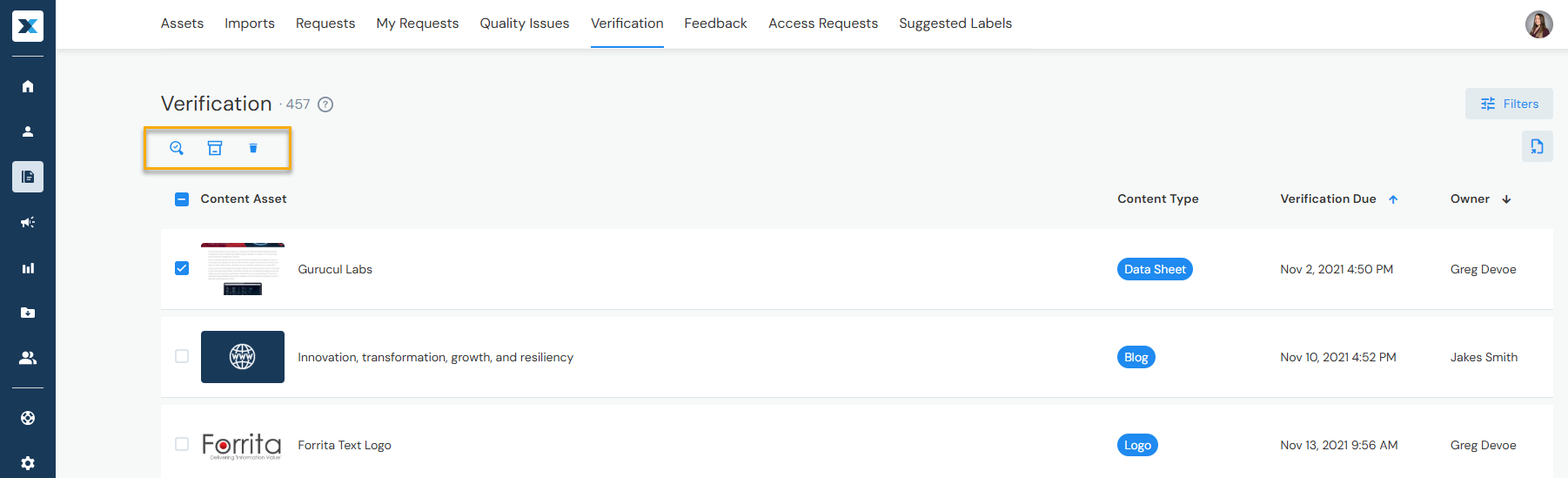
The default verification period is one year. For time sensitive content, Admins can adjust this at the Content Type level to as little as 30 days in Company Settings > Content Types > Verify in Days.

Feedback
All users
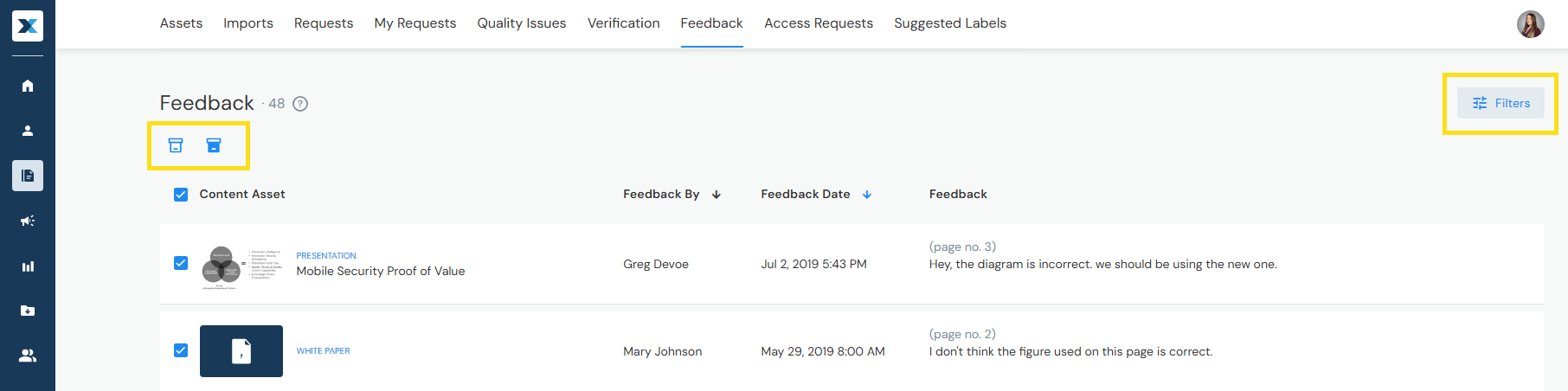
View submitted content feedback here. When you're done reviewing, if the feedback is no longer relevant, you can archive it.
Assets
Admins, Approved Contributors, and Insights User
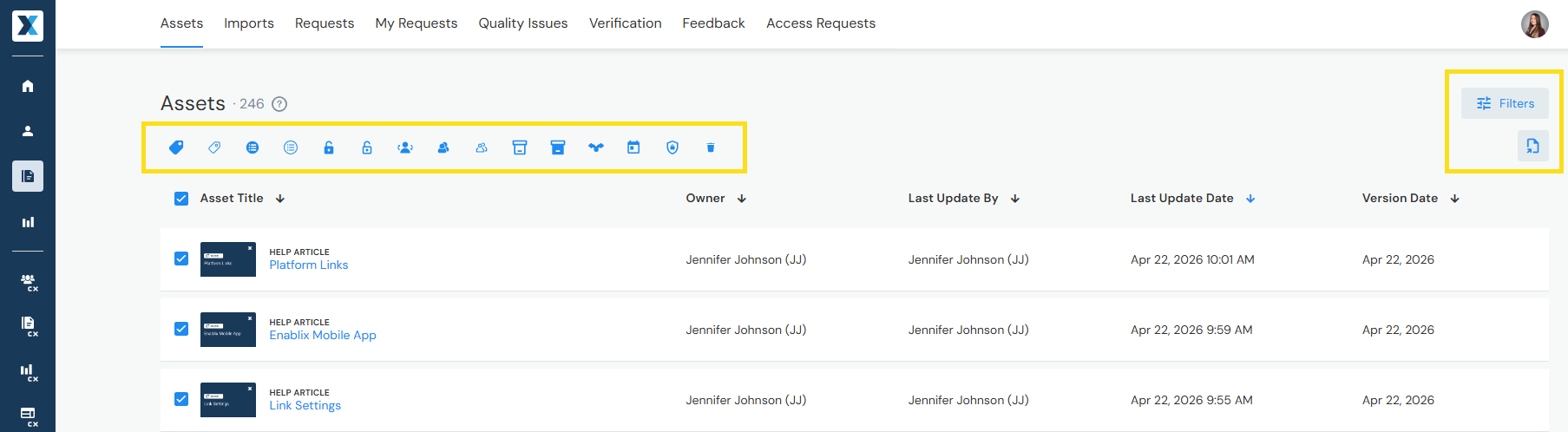
View all content in Enablix here — including owner's private content. Use advanced filters, export content lists, and bulk edit up to 50 content items at a time.
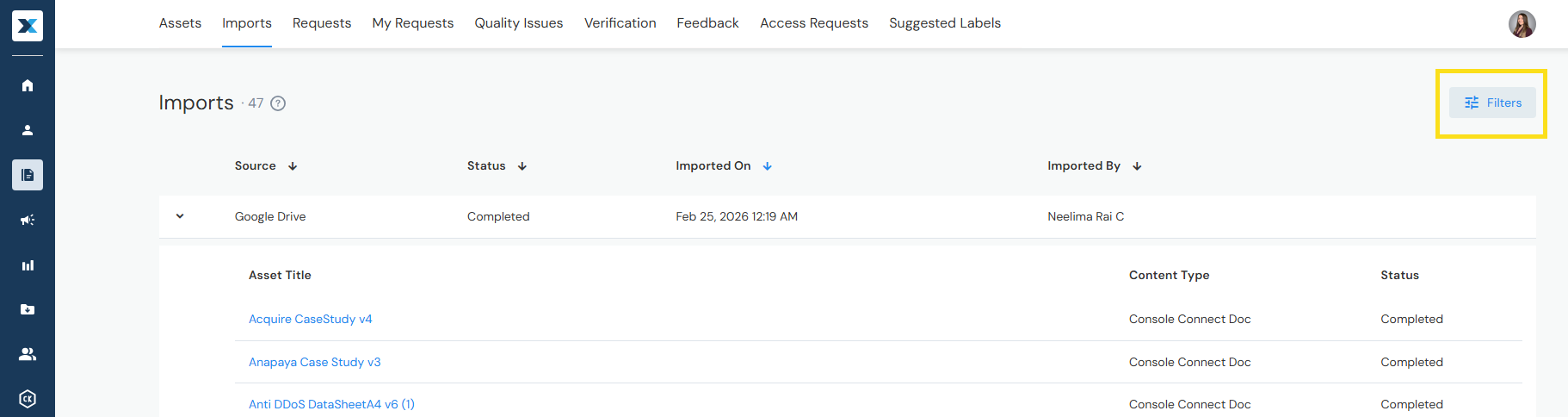
Imports
Admins and Approved Contributors
When you add content by importing, view your imported content and statuses here.
Quality Issues
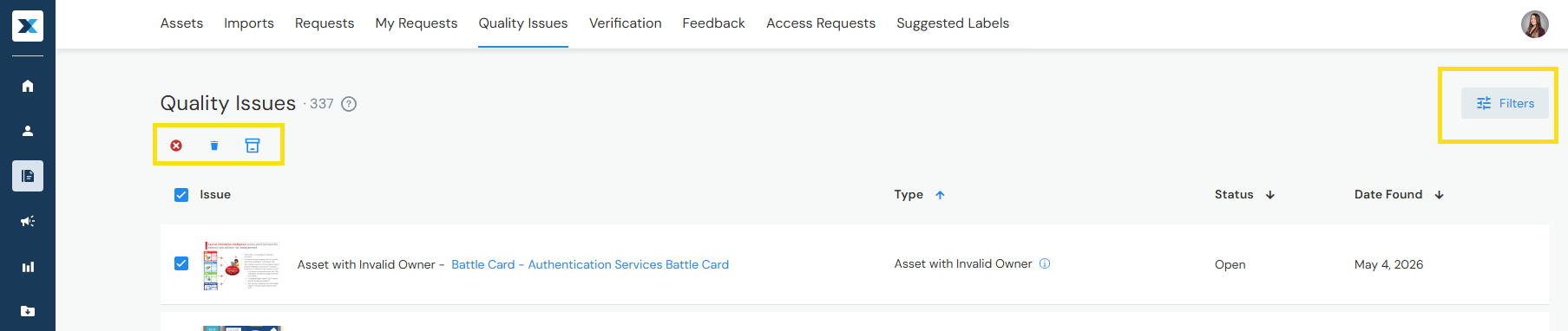
Admins and Approved Contributors
A nightly check runs against your content to identify quality issues, from duplicate titles to invalid URLs. View content with quality issues here.
- After fixing an issue, content remains here until the next check
- Want to dismiss an issue? Select Ignore
- Want to archive or delete content? Select Archive or Delete
Requests
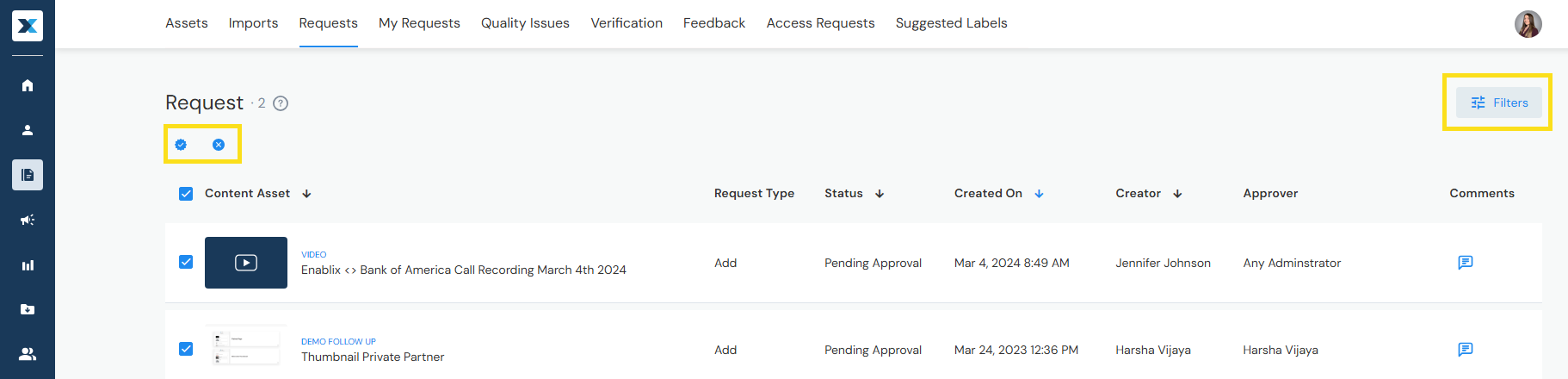
Admins
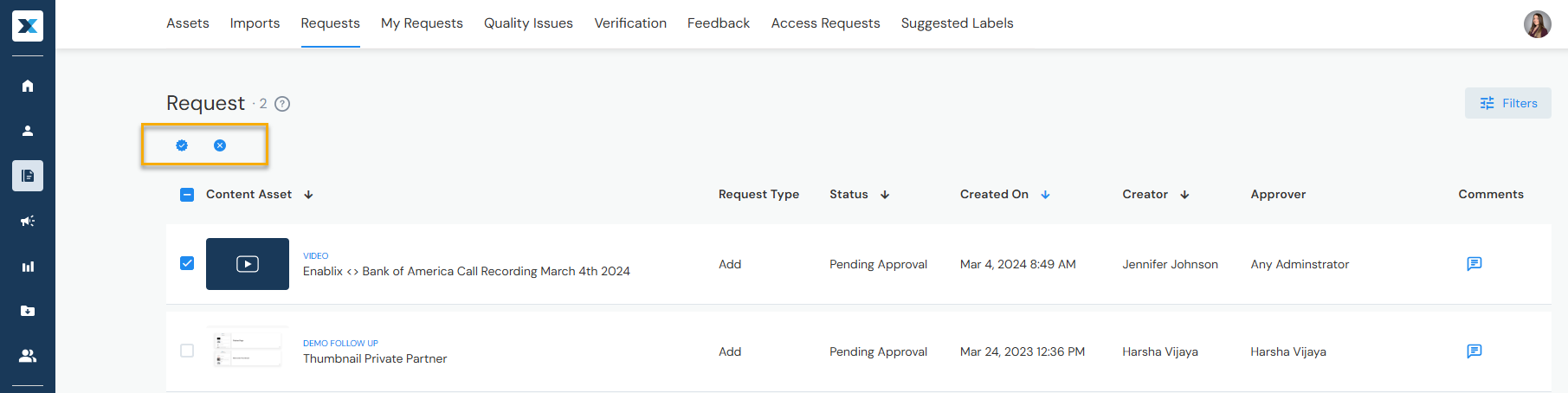
When users add or edit content saving as Request Approval, review their pending approval requests here. You can click into the content to edit it before approving or rejecting.
Access Requests
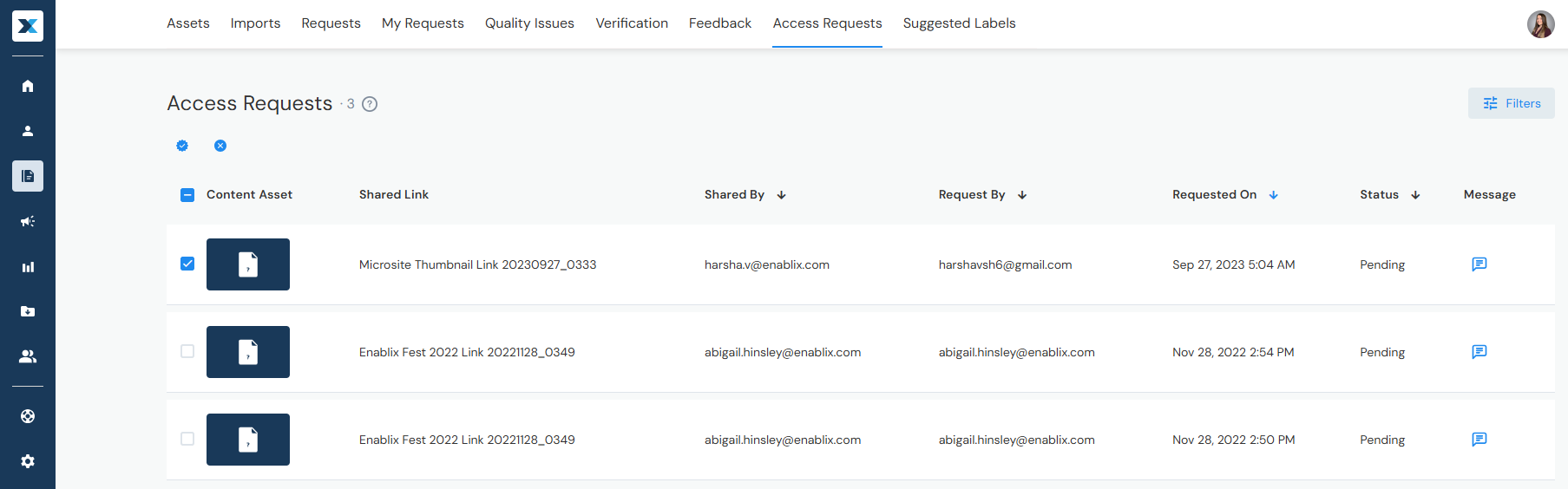
Admins
When users try to access content with an Access Group they don't belong to, they can submit a request and you review their pending requests here.
Need help getting started? Join an Enablix walkthrough — live or on demand — or reach out to us at help@enablix.com.