Updating Your User Profile
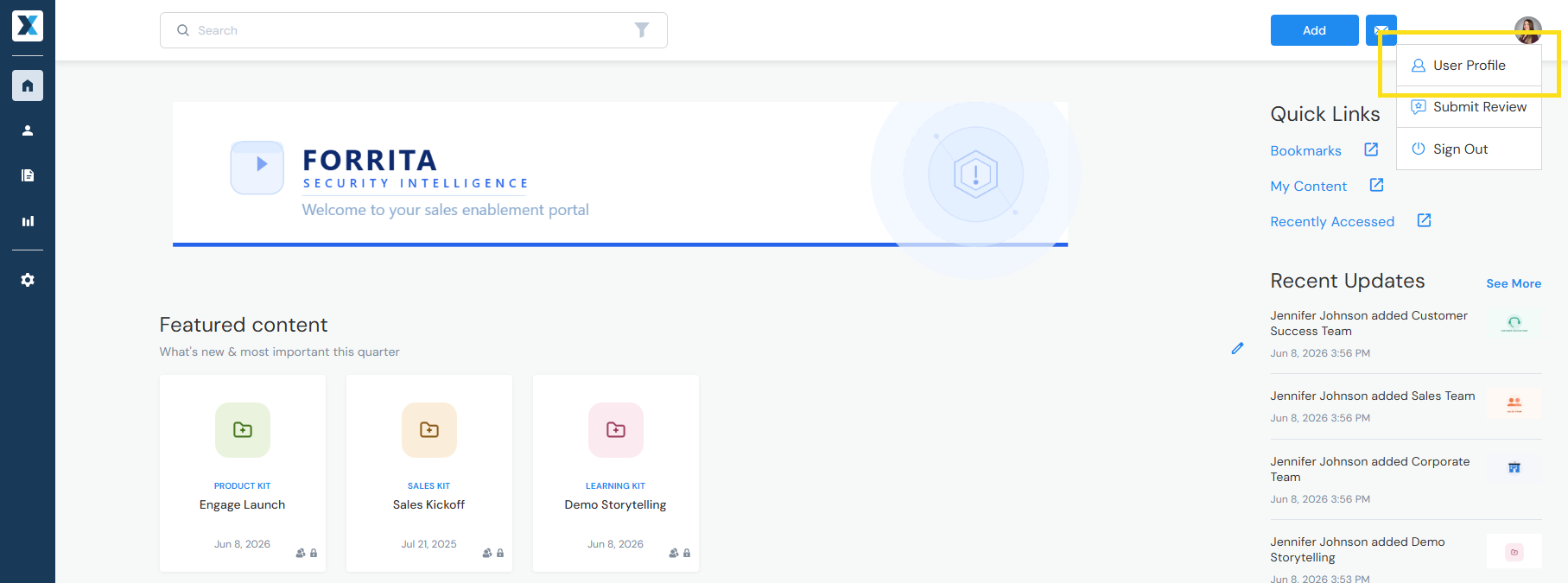
Click your profile icon in the upper-right corner of the screen, then select User Profile from the dropdown menu:
- User Details — Update your contact information, such as your name, photo, and title
- Email Notification Preferences — Choose which email notifications you receive
- Slack or Microsoft Teams Integration — Connect your Slack or Microsoft Teams account to share content directly to your messaging app [learn more]
- Mailbox Integration — Connect your mailbox to share content via email [learn more]
Have a question? Email us at help@enablix.com.