Getting Started
Prefer a live walkthrough? Sign up or catch the latest recording of Enablix Walkthrough here.
Where to Access
- Web YourCompanyName.enablix.com
- Mobile app iOS and Android (search 'Enablix')
- Extensions LinkedIn, Outlook, & more (view all extensions)
- Salesforce When integrated
Full experience Access on web, iPad, or Salesforce.
Streamlined Experience Access on mobile app and extensions. You can still search, view, and share content, but adding, editing, deleting content, and viewing reporting are not supported.
Get to Know Enablix
- Access content Search your organization's approved content library, plus add your own
- Share anywhere you work Share content from Enablix or extensions
- View reporting See when prospects and customers view content to know what's working
Navigating the Platform

1. Home Browse and search content
2. My Stuff Your personal reporting dashboard
3. Content Manager* View content workflows and more
4. Insights** Admin reporting dashboard
5. Company Settings** Manage your users, integrations, and more
*While all users have access to Content Manager, available options within Content Manager vary depending on your system role.
**Only certain system roles can access Insights and Company Settings.
Setting Up Your User Profile
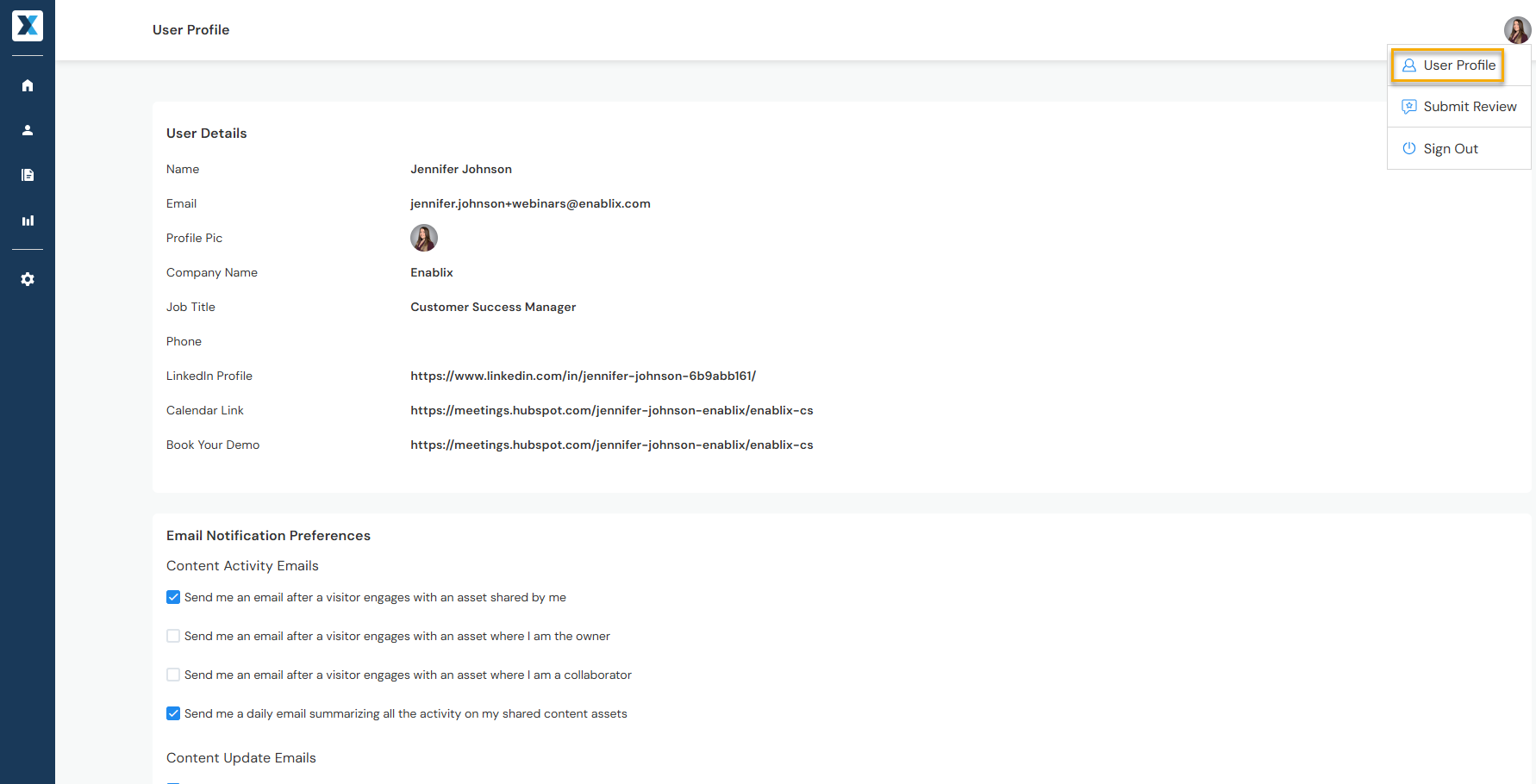
- User details Name, profile picture, and contact information
- Email notifications Update notification preferences when prospects and customers view content
- Slack or Microsoft Teams Integrate to share content via Slack or Teams
- Email integration Integrate and add your email signature to send content via email